- Brief
- Task
- Kickoff
- Copy
- Design
- Review
- Shoot
- Edit
- Approval
- Publish
- Ads
- Report
- Invoice
- Team
- Manage
- Improve
It all starts
with a message.
The bakery owner opens her Planet portal and sends her new campaign request — brief, photos, deadline.
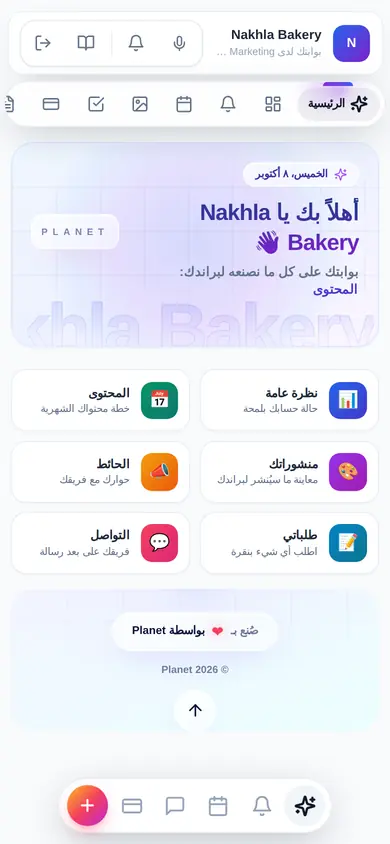
- Client portal
- New request with files
- Team notified instantly
The brief becomes a task
with an owner and a date.
It lands in the client file; the account manager turns it into a task and assigns it in one click.
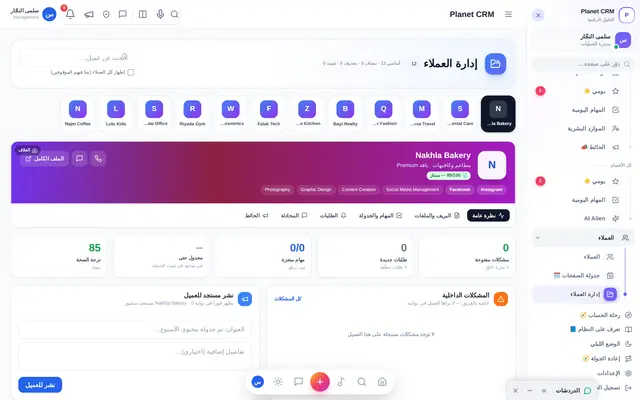
- Client file & journey
- Brief → task
- Role-based assignment
One meeting,
everything recorded.
A video call from inside the system; notes become tasks and dates on the same request.
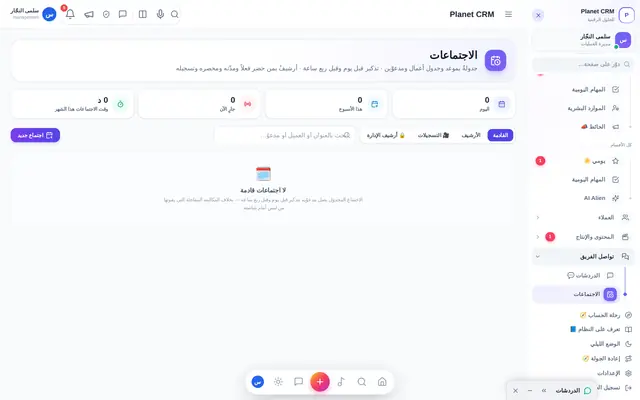
- Meetings & calls
- Minutes → tasks
- Dates on the calendar
The idea is written
before it is designed.
Writers shape the concept and caption in the content studio; the AI marketing genius suggests new angles.
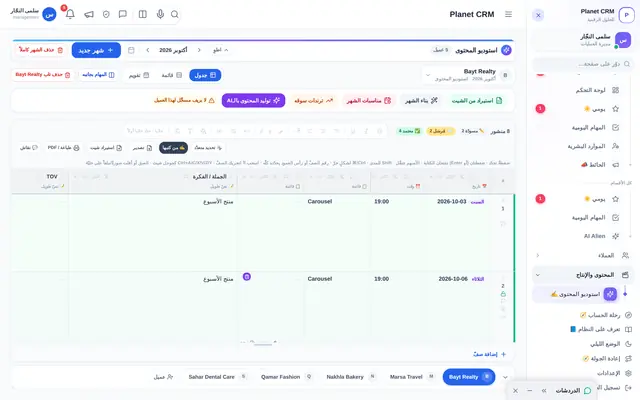
- Content studio
- AI marketing genius
- Content calendar
The designer knows
what to do now.
The task lands in “My Day” with the copy, brief and brand — everything on one screen.
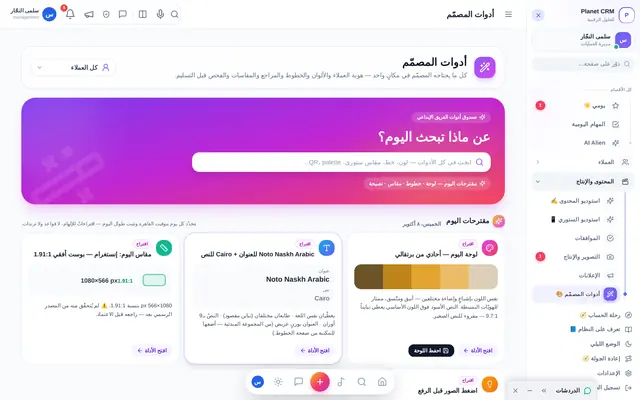
- “My Day” screen
- Designer tools
- Brand kit at hand
Feedback on the design,
not in twenty messages.
The art director pins notes on the design itself; each one gets resolved and ticked.
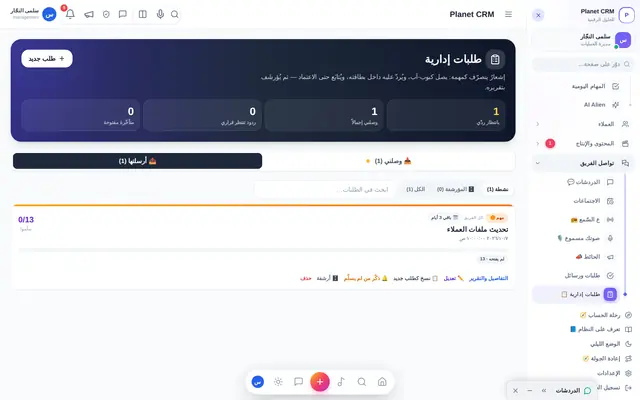
- Pins on the design
- Internal approvals
- Management directives
Camera, lights and a model —
on the same request.
The shoot with its date, crew and products; raw footage flows back to the request.
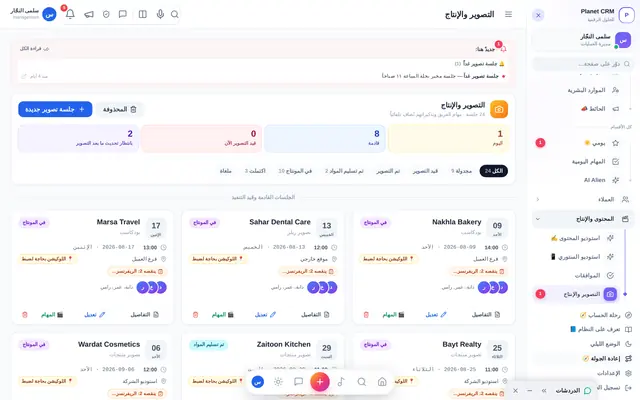
- Shoot scheduling
- Crew & gear
- Raw footage upload
From raw footage
to a ready cut.
The editor receives the footage straight from the shoot and uploads cuts for review on the same line.
- Production stages
- Versions & reviews
- On-time delivery
The client approves
in one tap.
The design reaches the client’s phone in their portal; they approve, or comment right on the design.
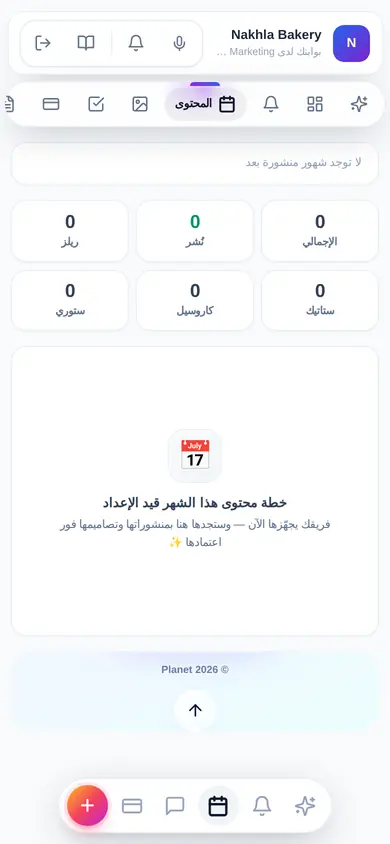
- Approve from the phone
- Comment on the design
- Approval history
Scheduled, and published,
on time.
Approved posts enter the publishing calendar automatically — on every platform.
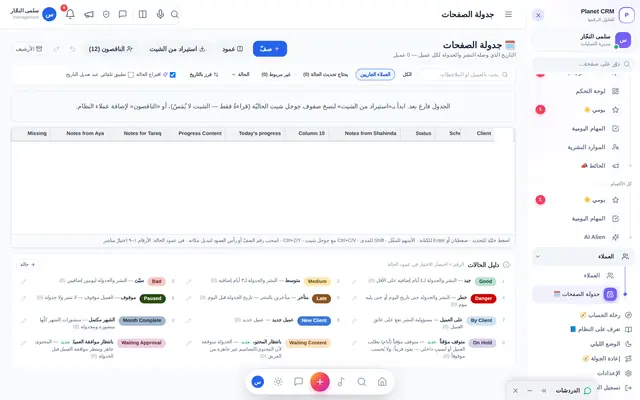
- Publishing calendar
- Every platform
- Reminders before time
Ads with a budget
you see live.
Meta campaigns tied to the client; ad balance in view, and an alert before any campaign stops.
- Direct Meta link
- Ad balance
- Low-balance alerts
The client sees results
without asking.
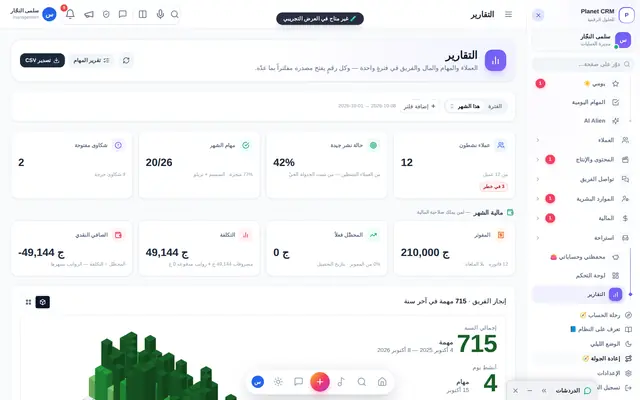
The monthly report arrives in their portal: performance, posts and ads — one tap to PDF.
- Full PDF report
- Page performance
- Client satisfaction
Finished work
becomes an invoice.
In the client’s currency, with partial payments and a statement they can see in their portal.
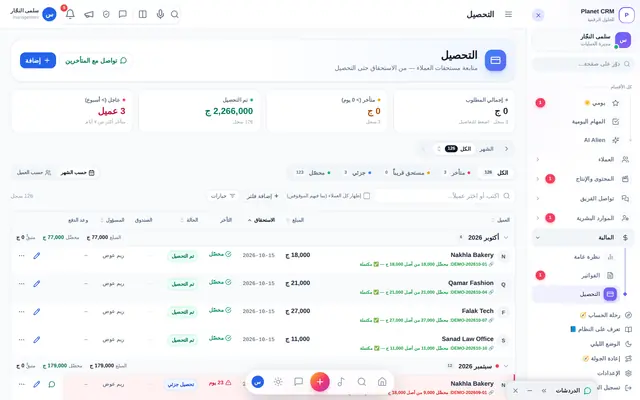
- Multi-currency invoices
- Partial collection
- Month-end close
A team that is seen
gives more.
Fingerprint attendance, fair reviews, and points that turn into real rewards — today’s star, celebrated.
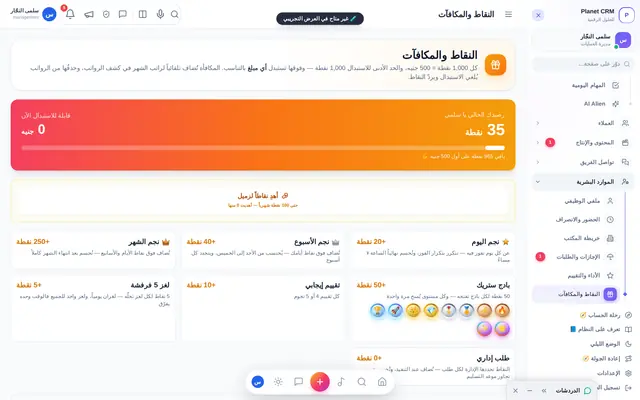
- Attendance
- Reviews & performance
- Points & rewards
And management sees
the whole picture.
Who is late, which client is at risk, what each client earns you — on one board.
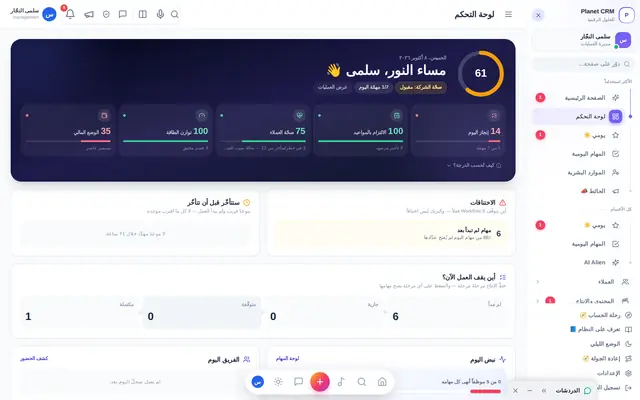
- Command dashboard
- Decisions waiting
- Profit per client
And every cycle
smarter than the last.
The numbers show where to improve; the team learns, and lessons are written down for the next cycle.
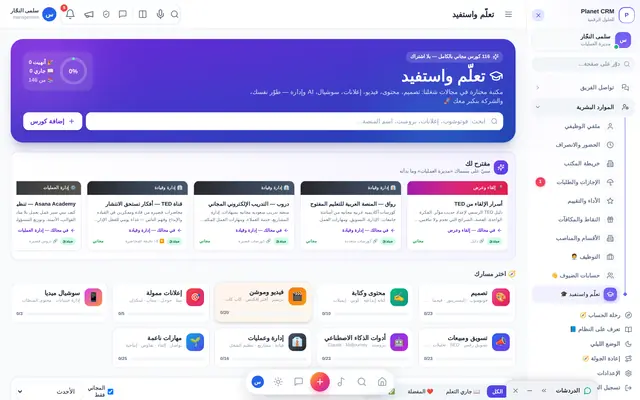
- Learn & grow
- Performance KPIs
- Improvement log