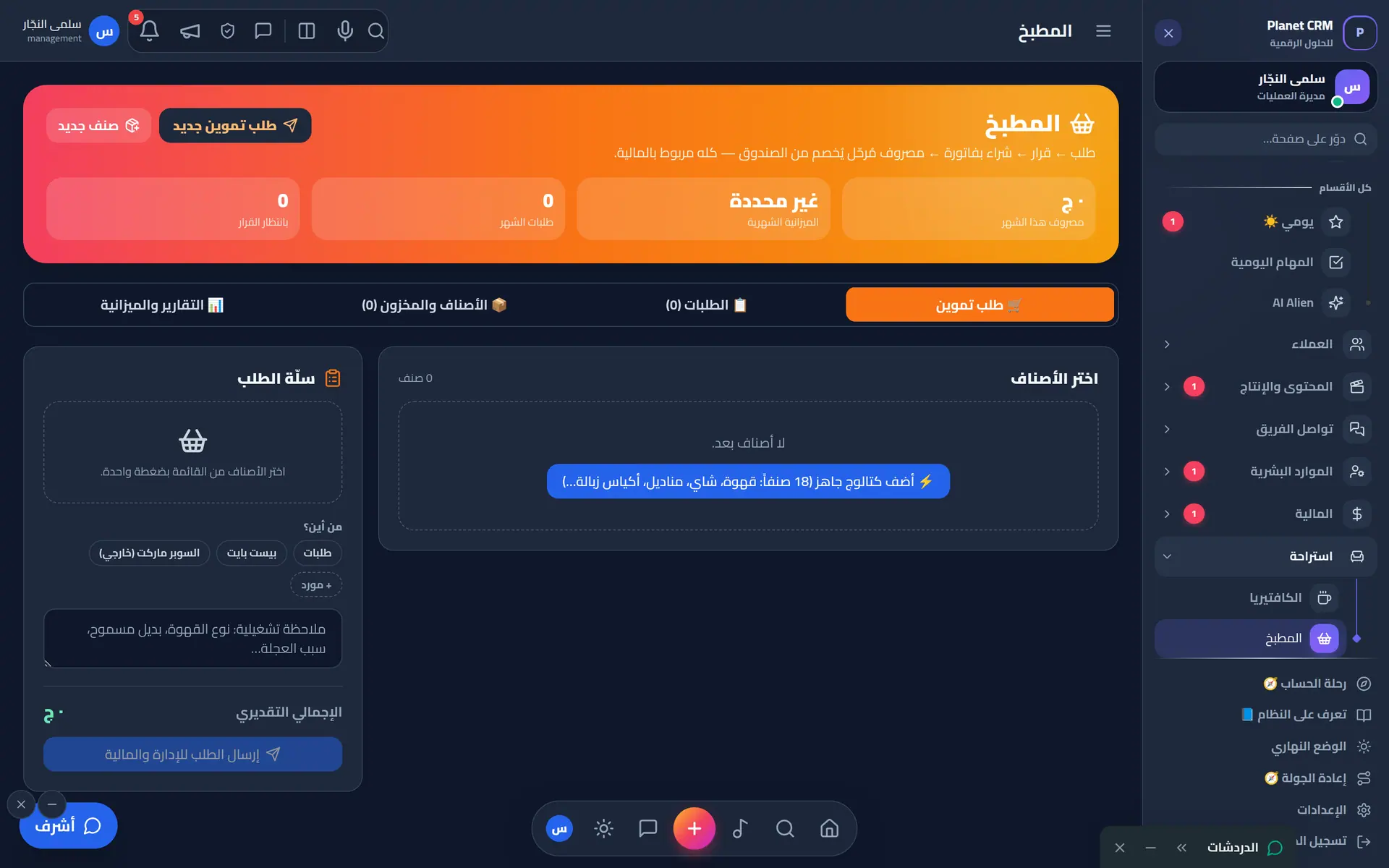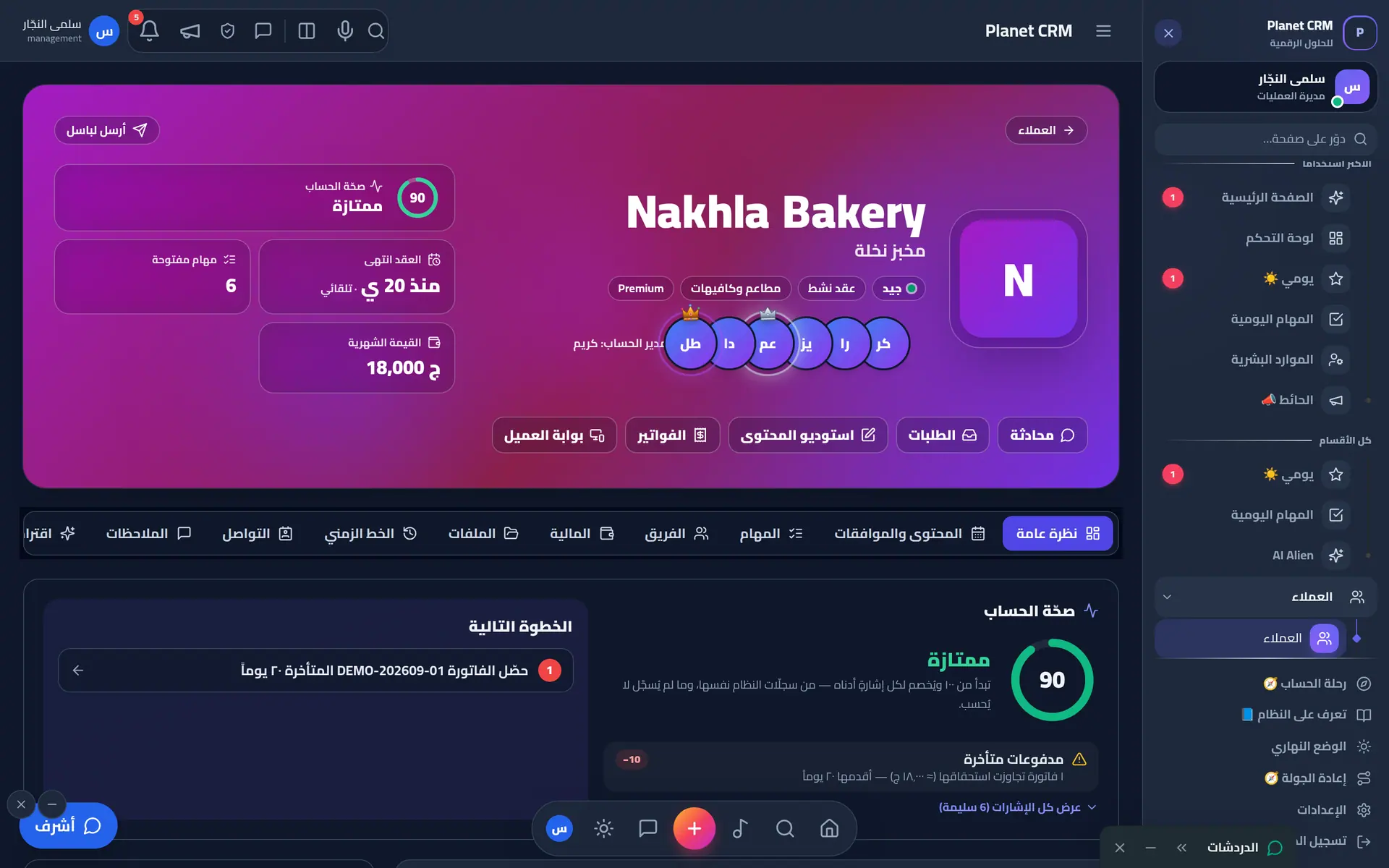
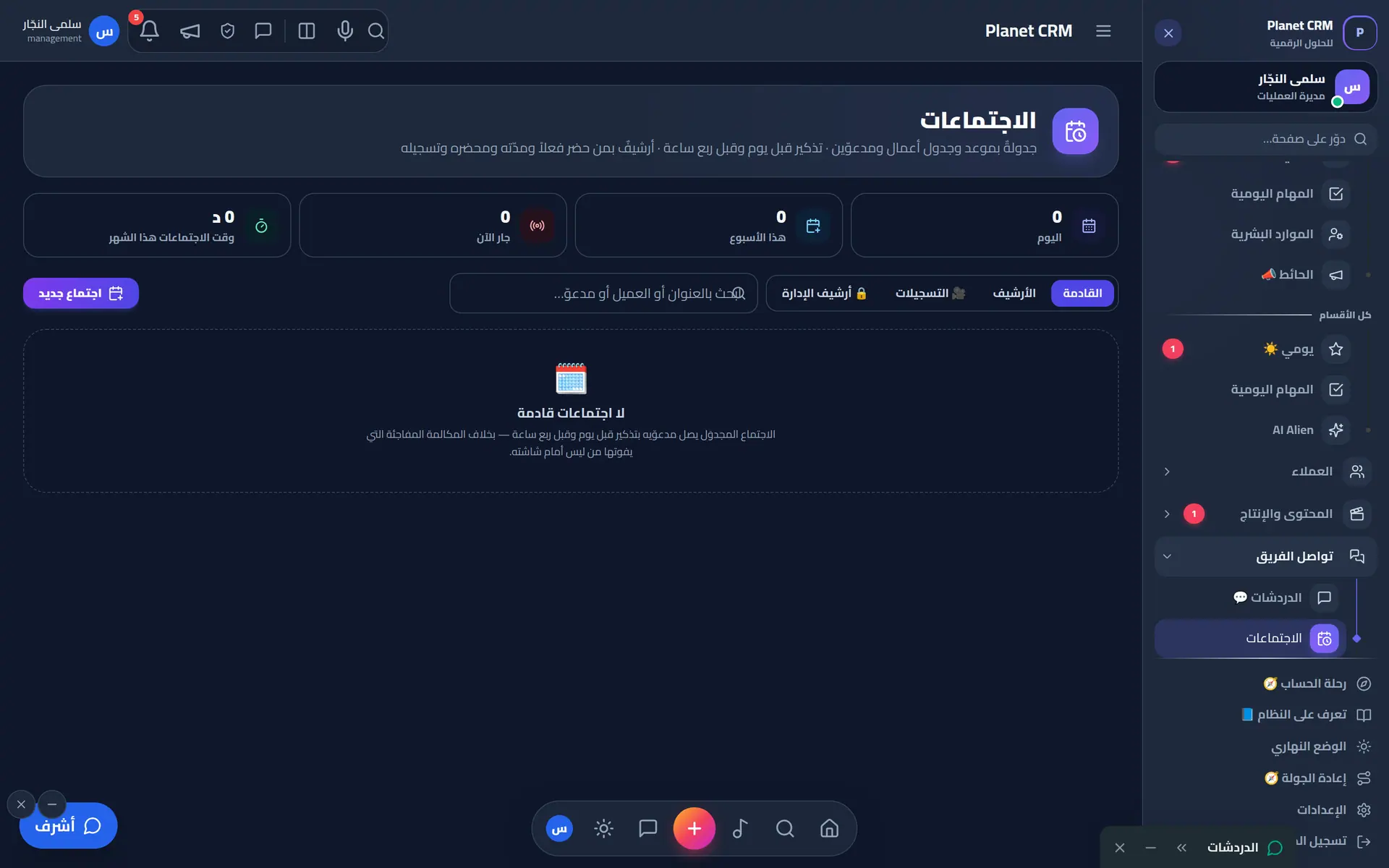
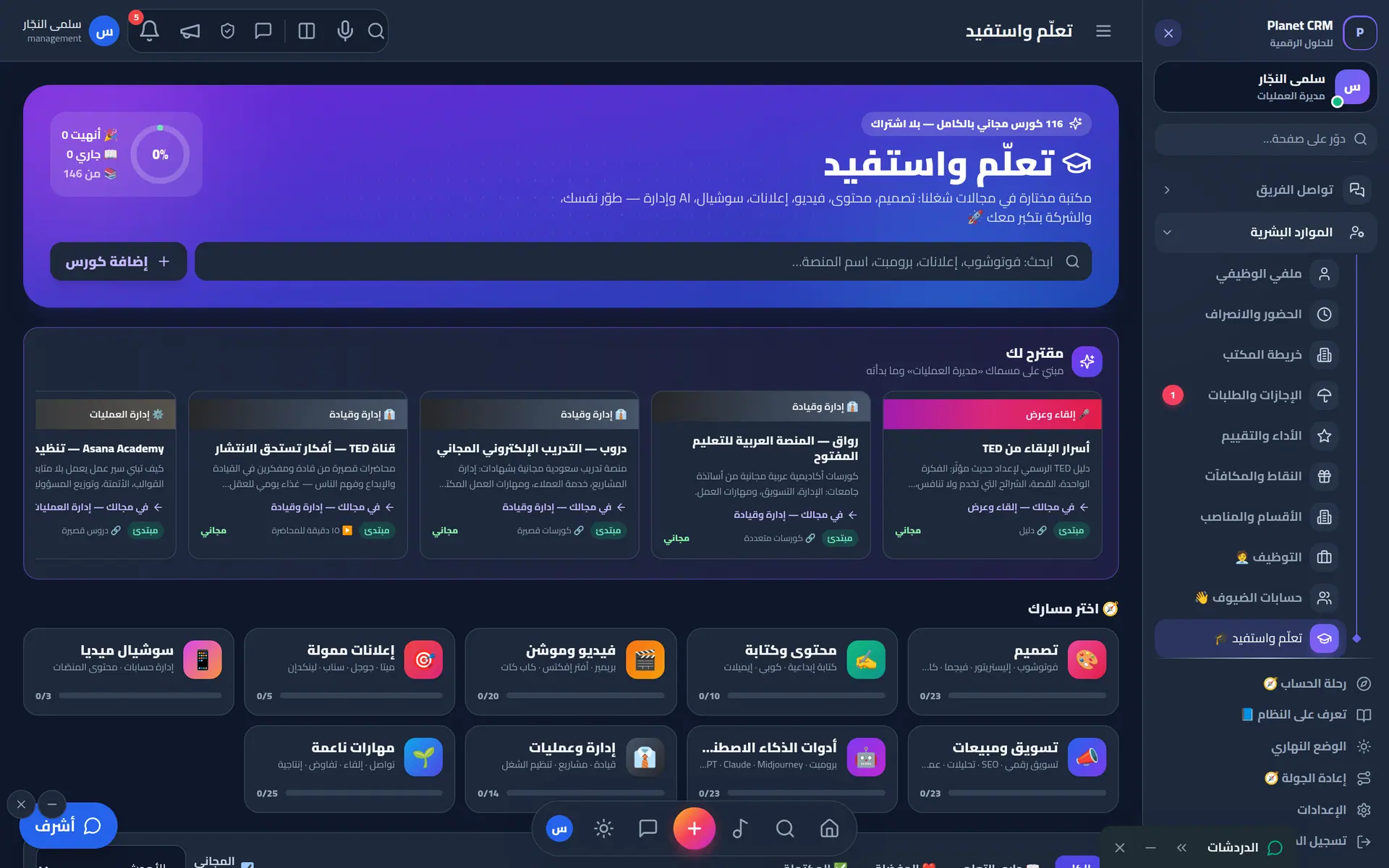
The full tour

Everything an agency needs.
Module by module.

This isn’t a wish list — everything on this page runs today inside a real agency.

01Clients & sales

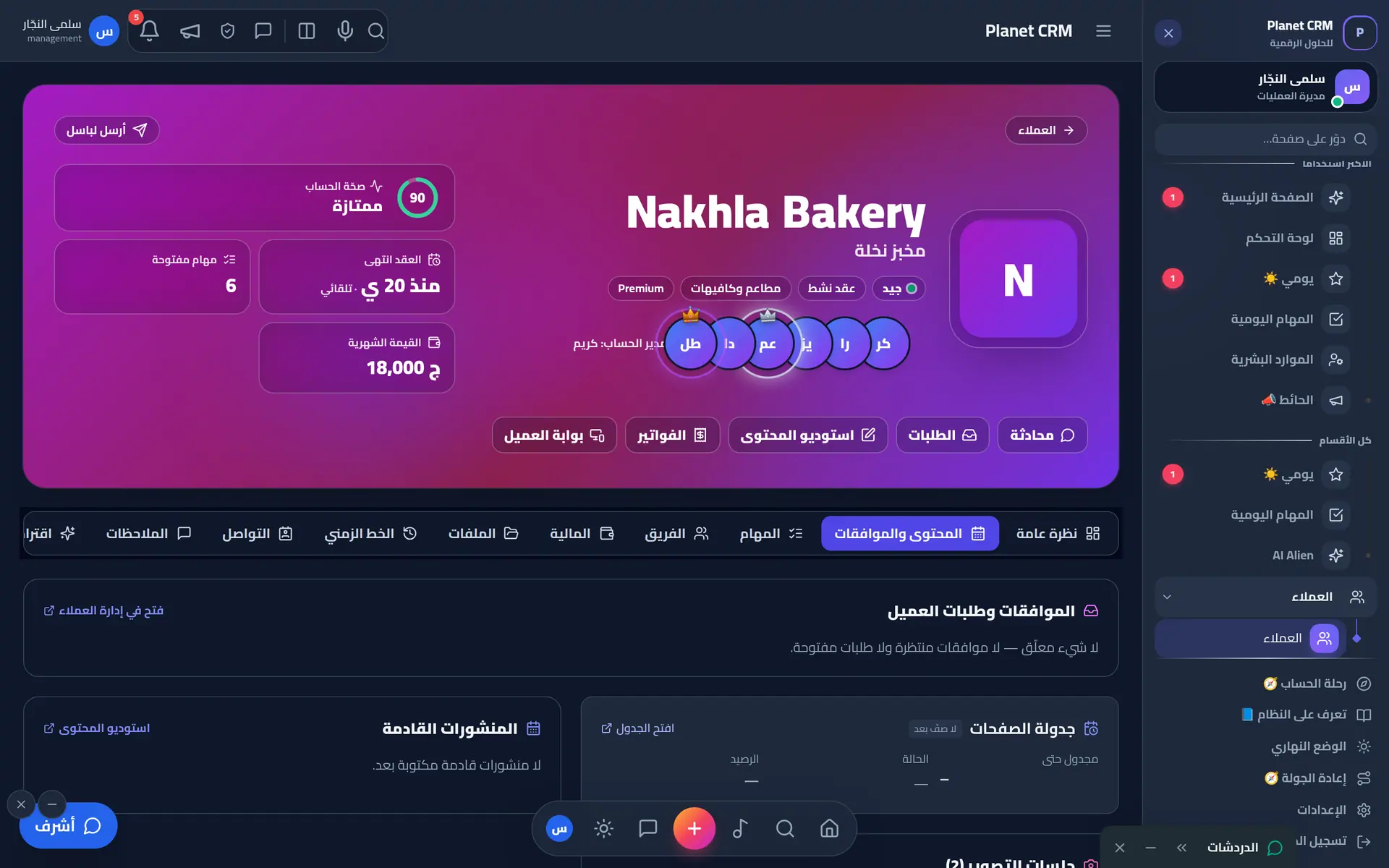
A client file that knows everything

Brief, contract, files, accounts, the responsible team and the client journey — in one file that talks to every module.

  • Client file: brief, contract, files and account team
  • Client journey: onboarding steps become real tasks
  • Leads, projects and quotations
  • Renewals, issues and complaints with early alerts
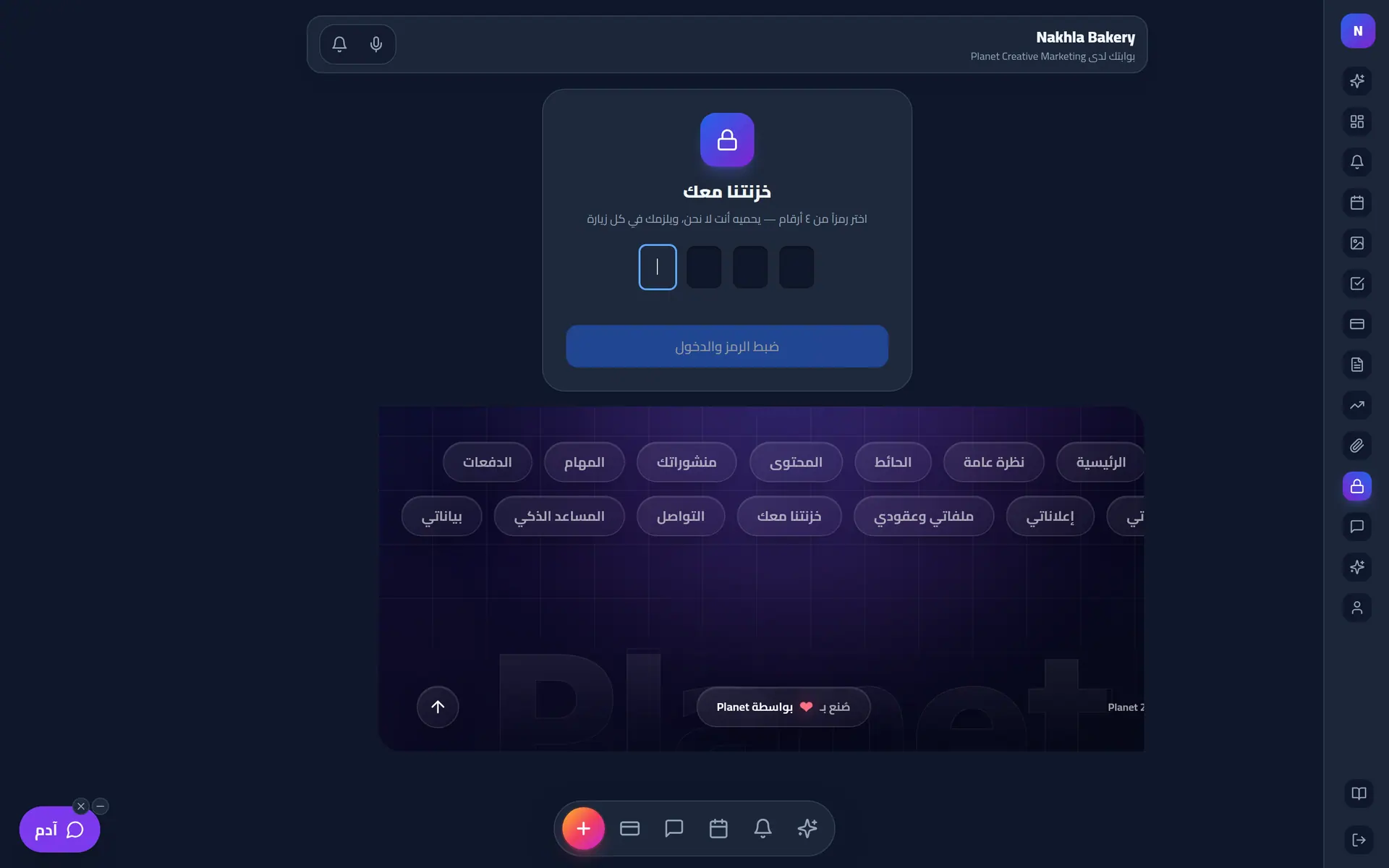
  • Vault 🔐 for client accounts and passwords
  • Agenda and page scheduling
Complete client file: health score, contract, team and quick actions
02Content

A content studio with a real approval path

From idea to publish: calendar, copy and design, internal review, then client approval — every post with its own discussion and history.

  • Per-client content calendar with an Instagram-style grid
  • Story studio: layers, audio, preview before publishing
  • Multi-stage approvals with batched notifications
  • AI feedback and ideas
  • Designer tools and a best-work gallery
  • Trends linked to clients
Client file — content & approvals tab
03Production

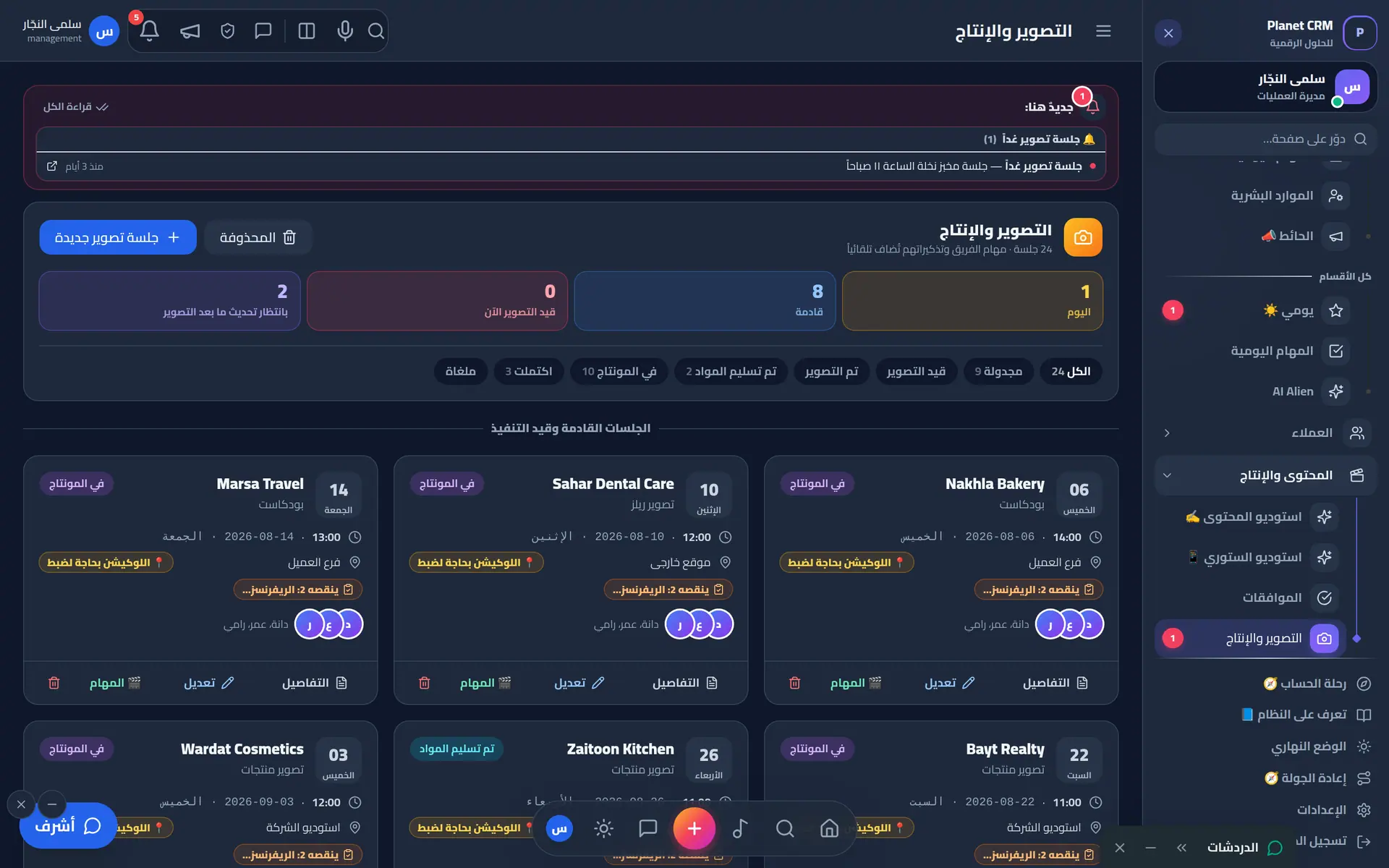
Shoots without the chaos

Plan shoots, takes, locations and crews, then follow post-production all the way to delivery.

  • Schedule sessions, locations and crews
  • Reminders and readiness before every shoot
  • Location check-in for field crews
  • Footage hand-off and editing follow-up
Production & shoots: upcoming sessions as cards with crew and status
04Finance

Finance the way a CFO thinks

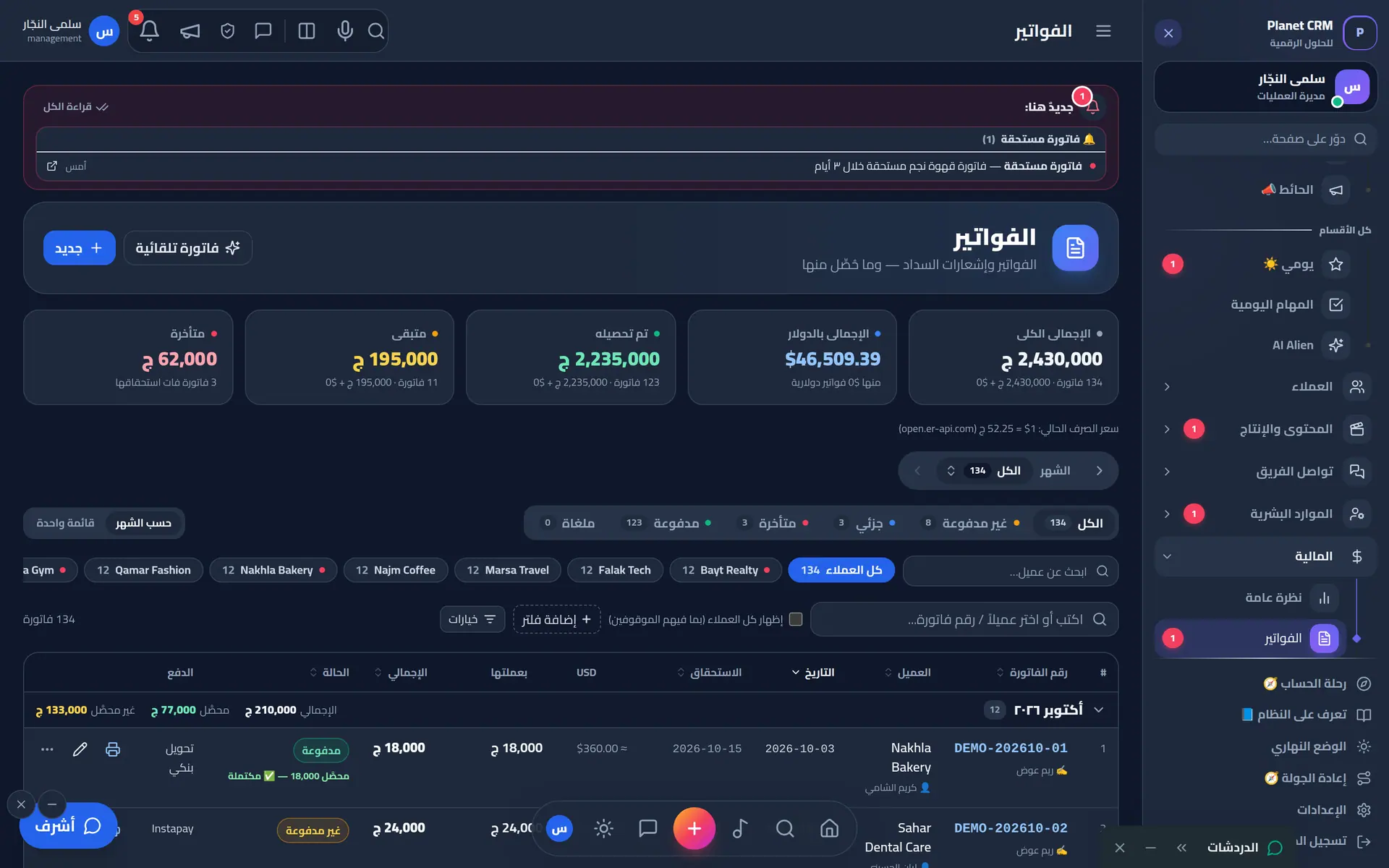
Invoices in each client’s contract currency, partial collections, prepaid balances, ad balances, expenses, subscriptions, suppliers and payroll — closed each month with a full count.

  • Multi-currency invoices with exchange rates
  • Partial collections and prepaid credit applied to invoices
  • Client ad balances with low-balance alerts
  • A4 receipts, payment vouchers and quotations
  • Cash-flow, payroll and suppliers
  • Month-close: revenue, spend and balance in a frozen snapshot
  • Owner’s recommendations & decisions board
Invoices: issued, collected, outstanding — multi-currency
05HR

HR that respects everyone’s time

Accurate fingerprint and location attendance, one-tap leaves and permits, reviews and rewards, and recruiting from the first job post to day one.

  • Attendance with fingerprint devices & location
  • Leaves and exit permits
  • Automatic payslips and deductions
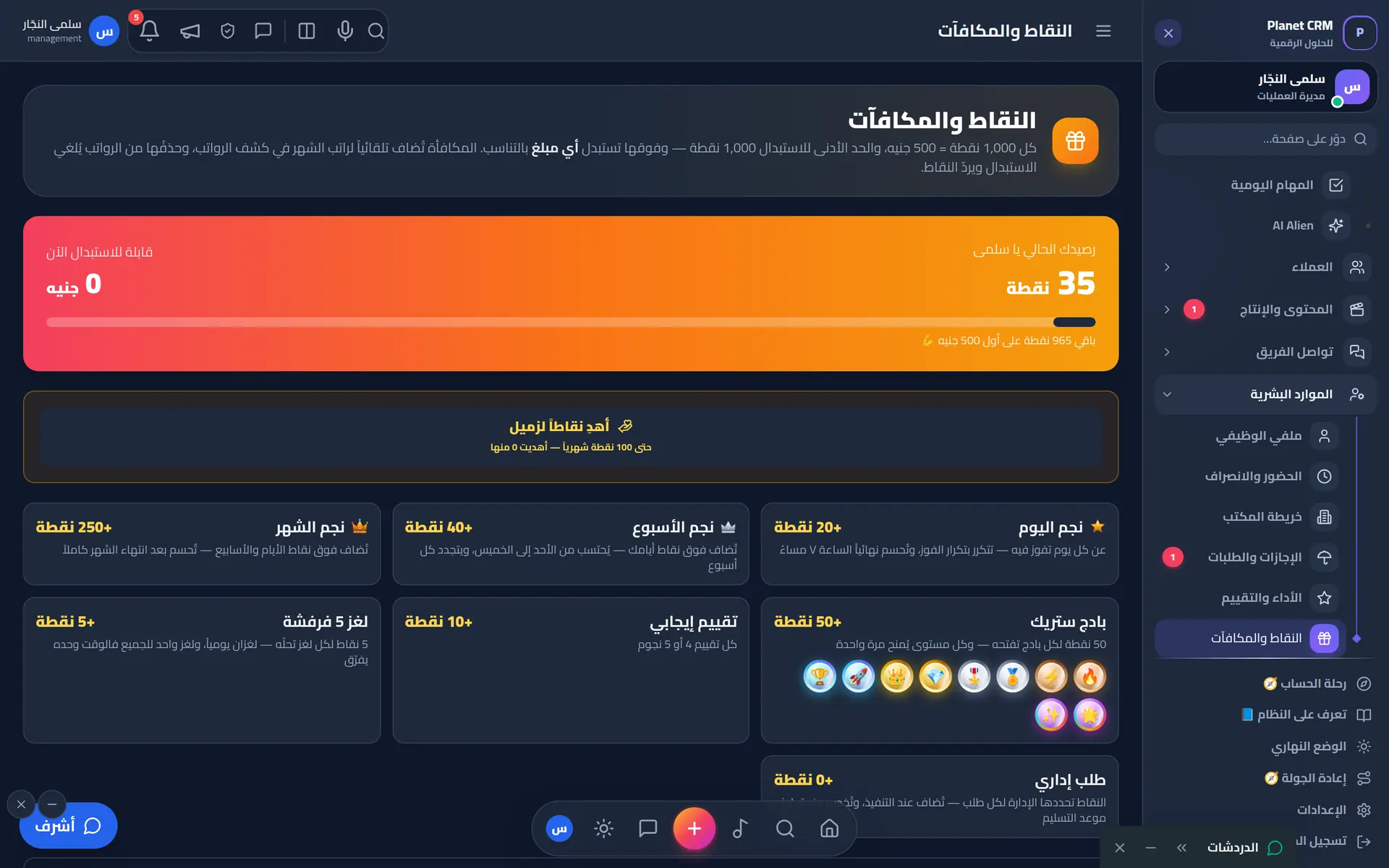
  • Performance, points and rewards
  • Recruiting: jobs, applicants, interviews, applicant-to-employee
  • Learning portal and a 3D office map
Points & rewards: gamified recognition for the team
06Comms

Every team conversation in its place

Chats, calls and meetings linked to clients and tasks — plus communication tools you won’t find in any other system.
  • Chats, voice and video calls
  • Meetings that become tasks, linked to a client
  • “On Air” 📻 push-to-talk channels with an archive
  • “Your Voice” 🎙️ live rooms and podcast
  • Team wall, admin requests and Summon
  • Live broadcast timers
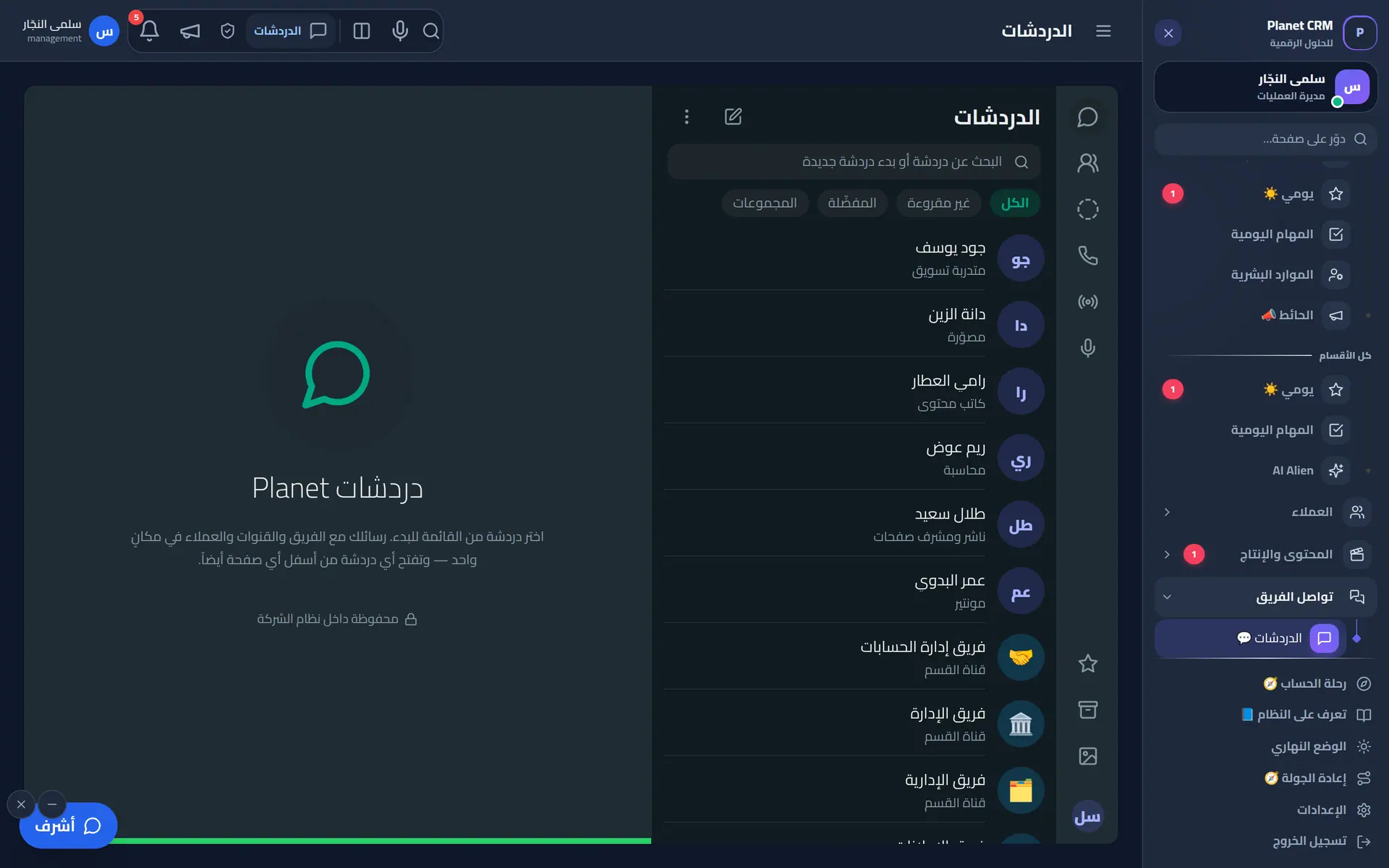
Built-in team chats: direct, groups and departments
07AI

AI with your agency’s context

Context is built on the server from each client’s brief, details and team — so answers are specific, not generic.

  • “Ashraf”, the team’s voice assistant
  • “Marketing Genius” lead hunter
  • Content ideas & feedback studio
  • Financial recommendations for the owner
  • “Adam”, the sandboxed client assistant
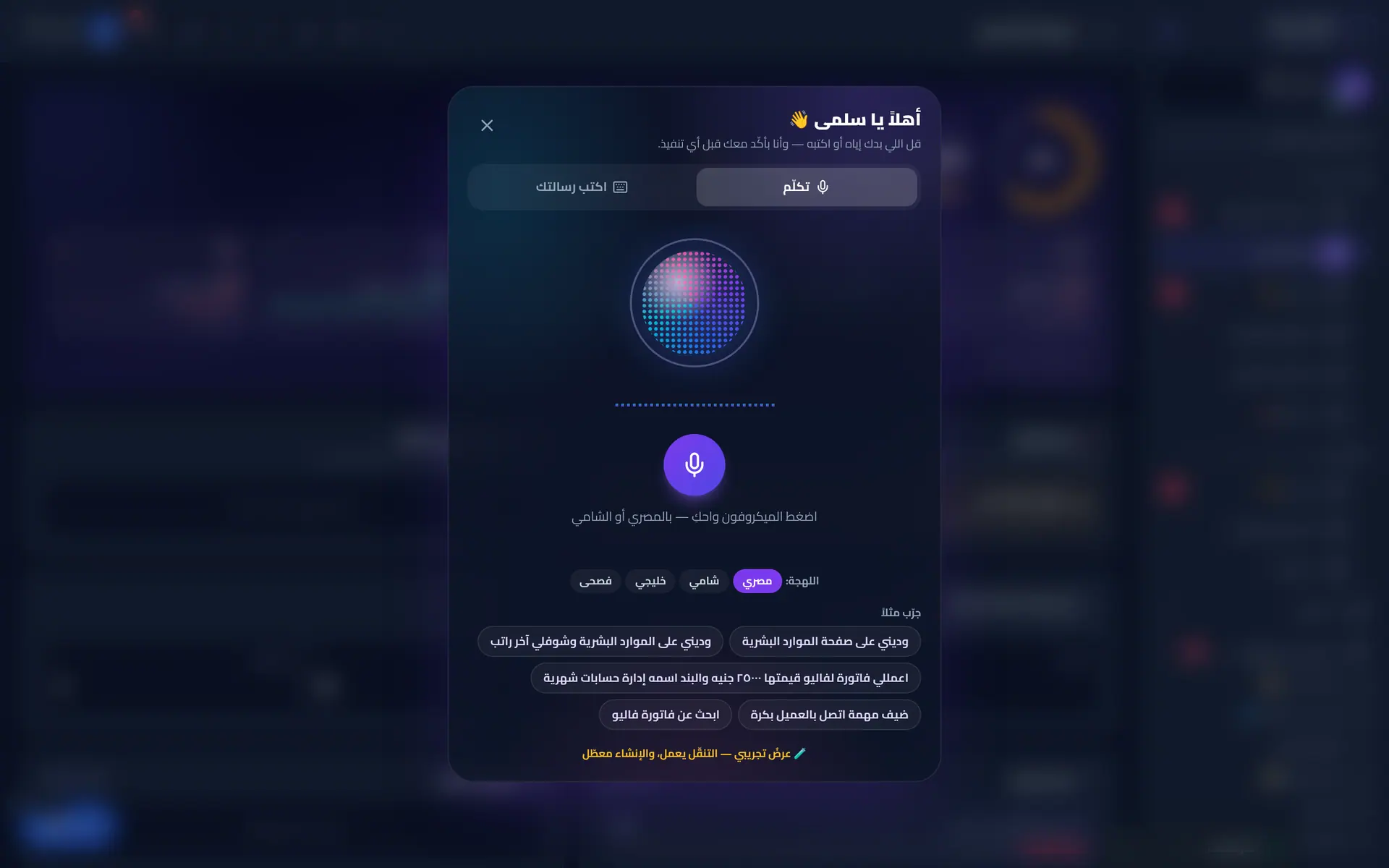
Voice assistant: speak or type commands in Arabic dialects
08Portals

Four external portals — one wall that holds

Every outside party gets its own experience and isolated session.

  • Client portal: content, approvals, ads, payments, statement, files
  • Prospects: private account and quotations
  • Careers: apply, track the application, interviews
  • Guests: community, audience wall, games and live rooms
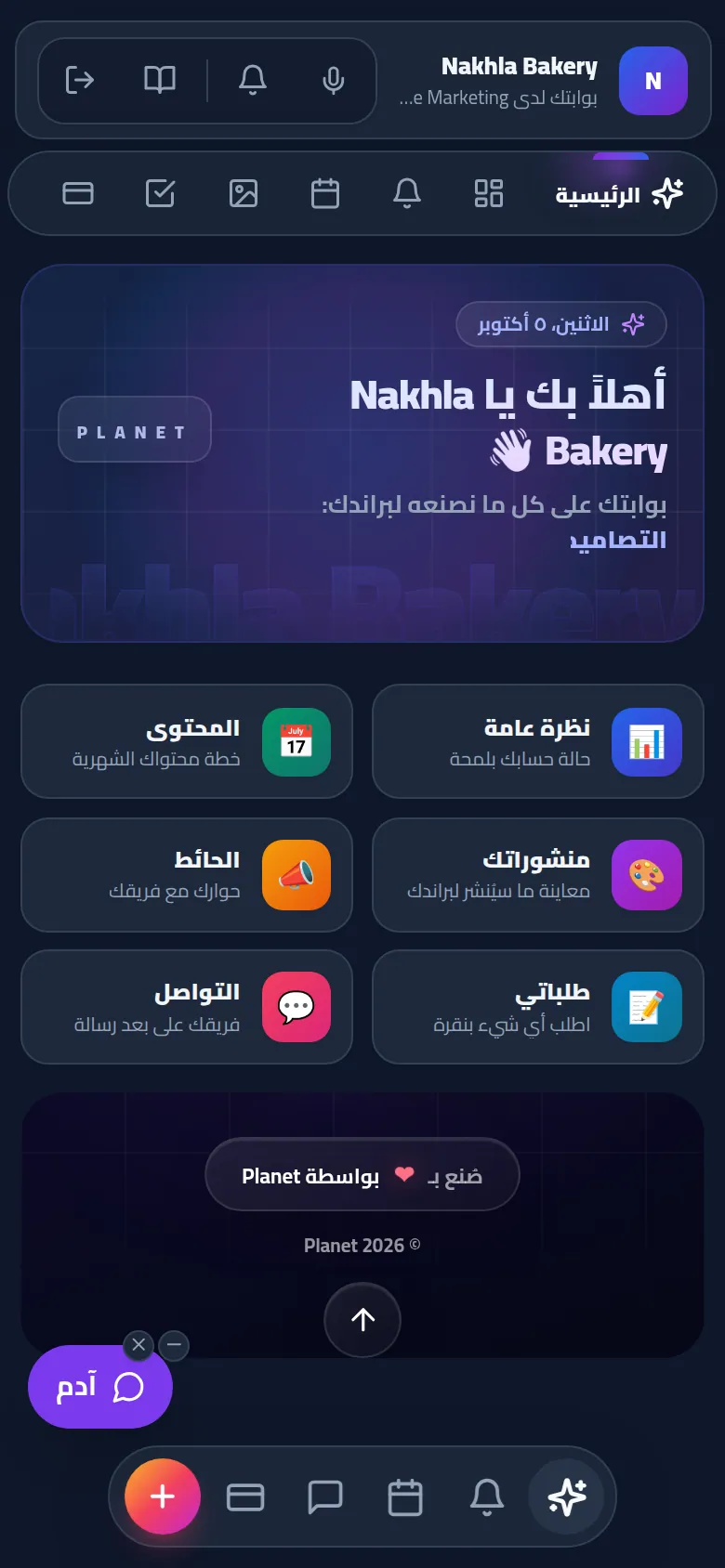
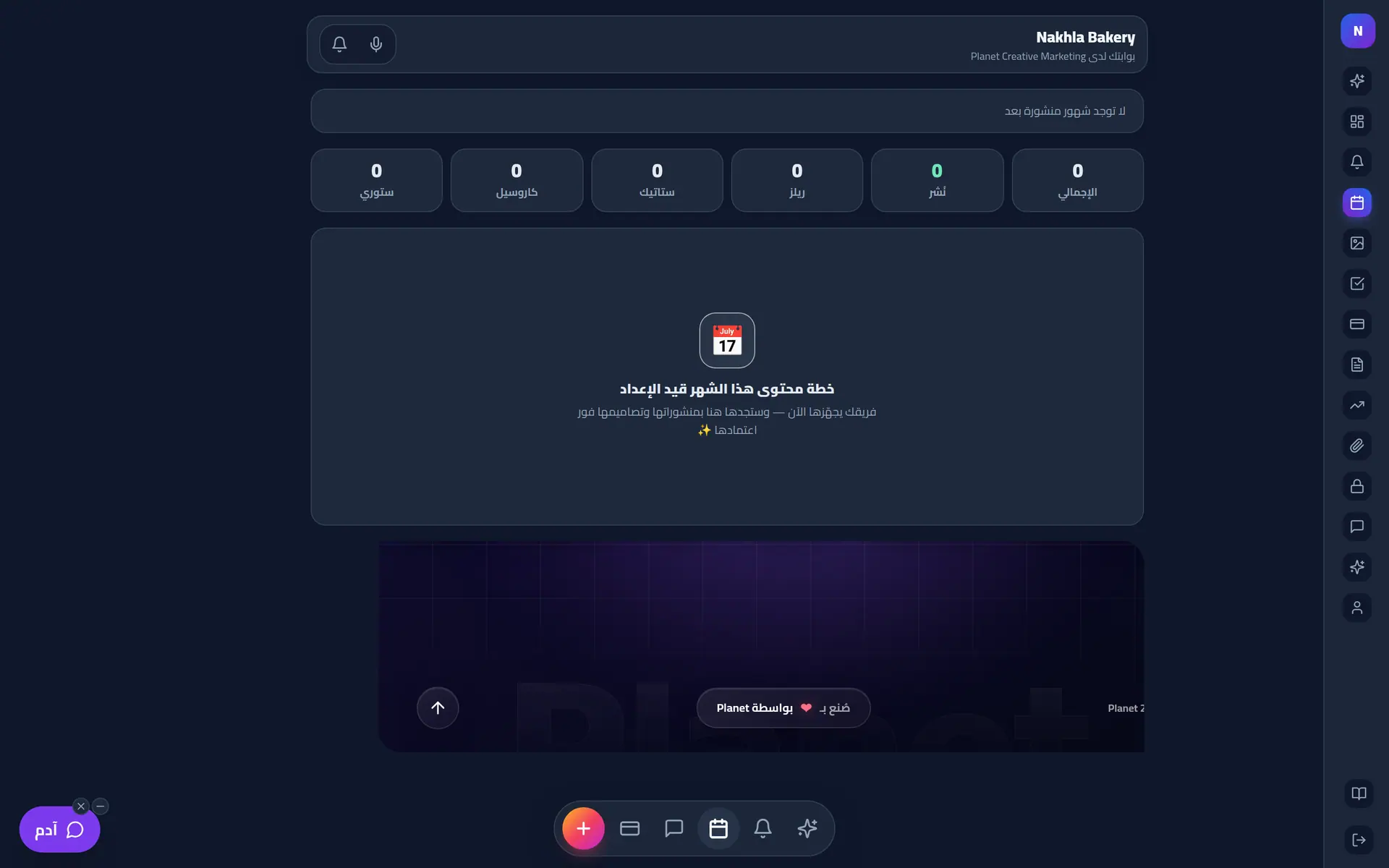
Client portal home: everything we make for your brand

Client portal home: everything we make for your brand

09Culture

Team culture, built every day

Because an agency is people before it is tasks.

  • Daily and group games with live voice
  • Cafeteria, kitchen and drink orders
  • A music lounge for the team
  • Stars, points, streaks and celebrations
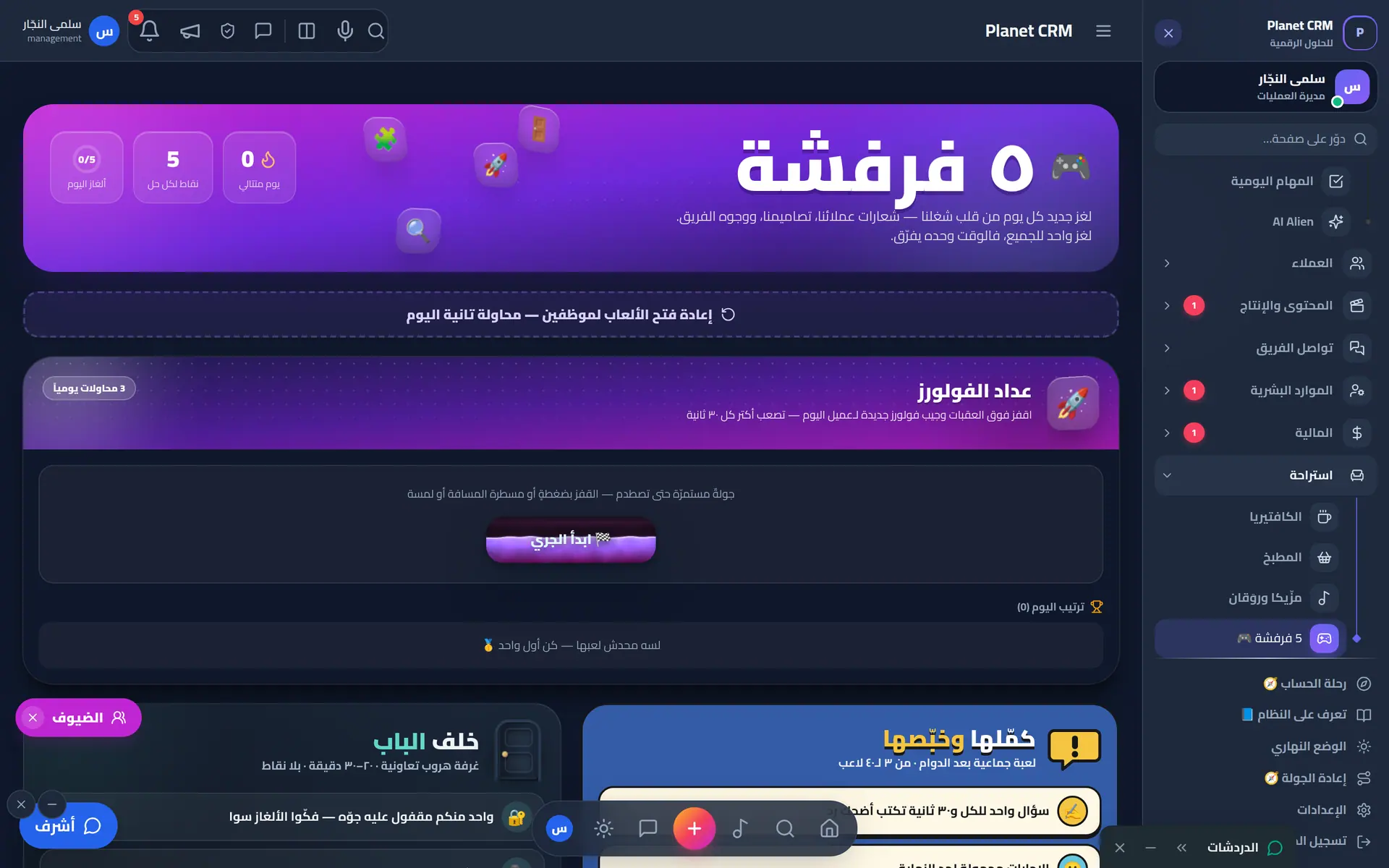
Fun zone: daily team games and challenges
10Security

Enterprise-grade security

Granular permissions, isolated sessions, hashed passwords, audit logs and recovery checkpoints.

  • Permissions by role, page and action
  • Fully isolated external sessions
  • Checkpoints, version history and full recovery
  • Audit logs and data health checks
  • Preview the system as another employee
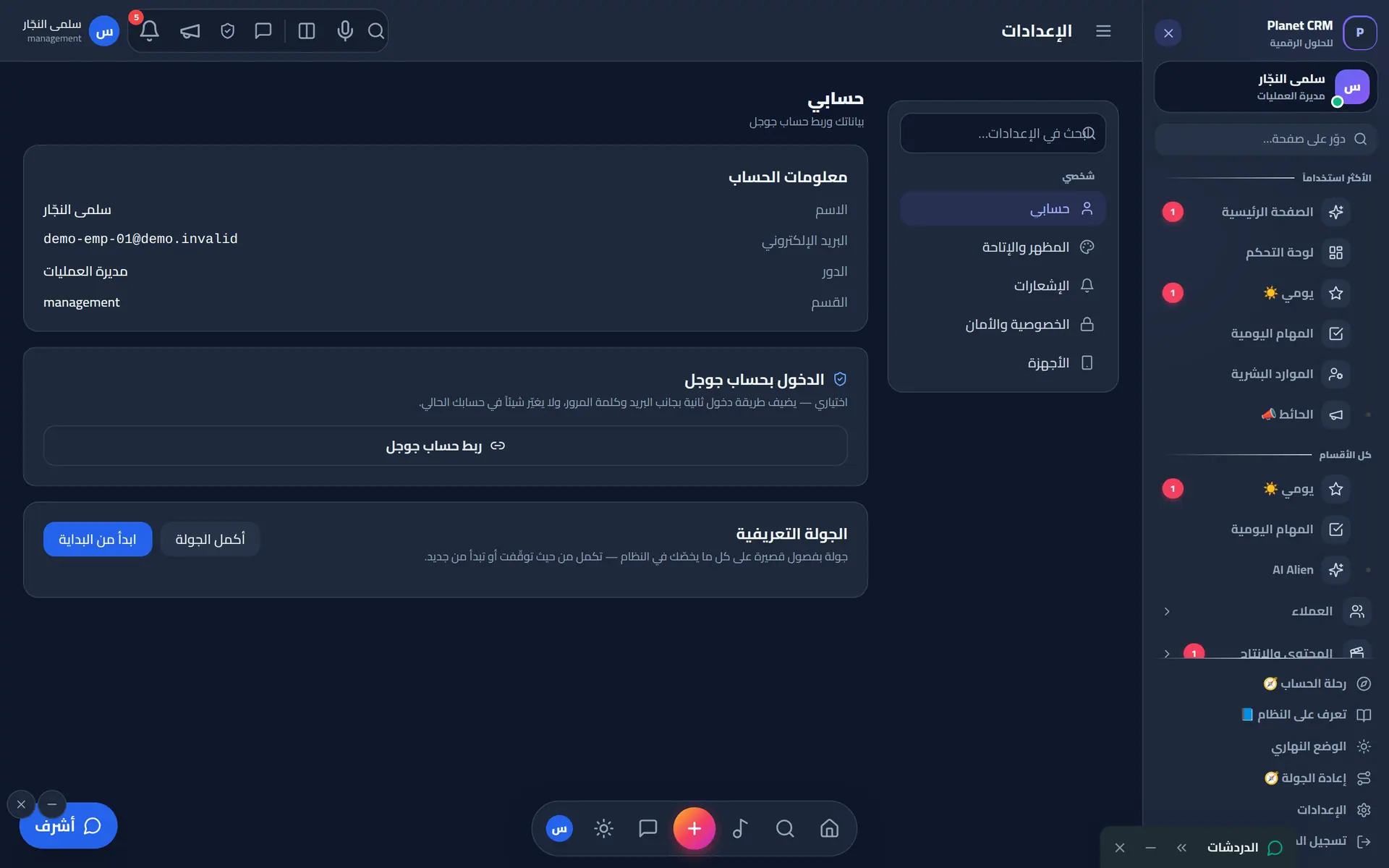
Account settings, Google sign-in and onboarding tour
11Mobile

An app in every pocket

PWA plus native apps with instant notifications.

  • Install from the browser
  • Android, iOS & desktop
  • Smart instant notifications
  • Phone landscape mode
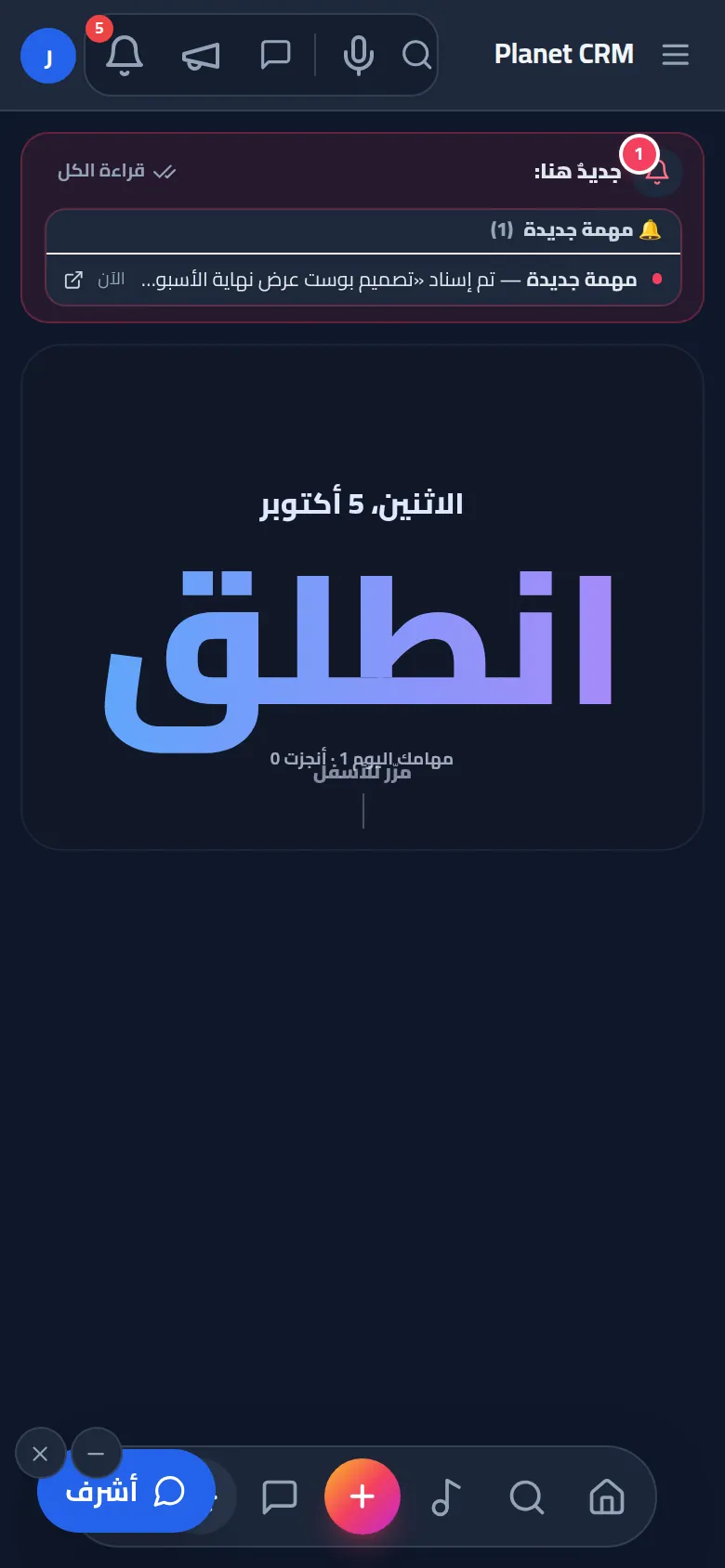
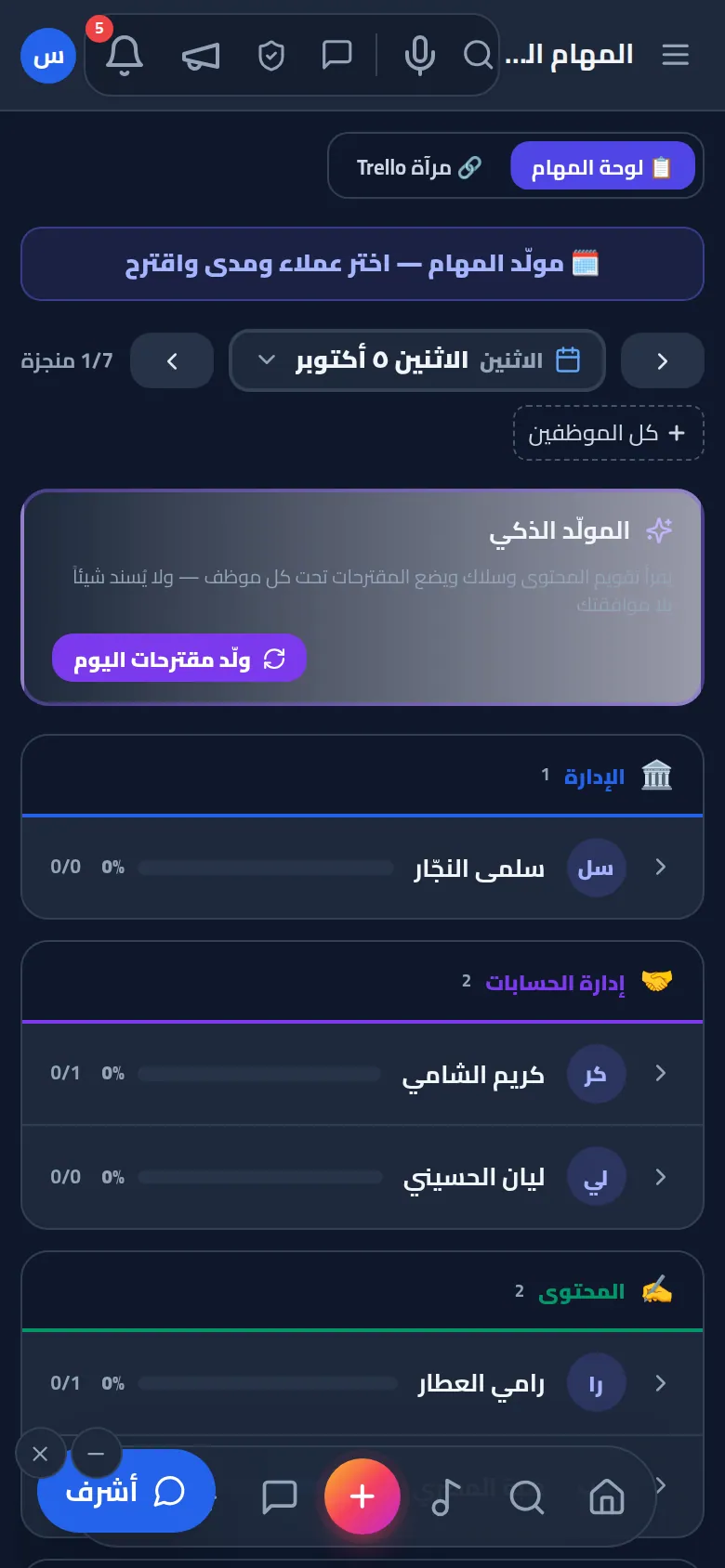
Employee "My Day" start screen

Employee "My Day" start screen

The wall & sharing

An internal social network
that turns an agency into a team.

An agency is people before it is tasks. So at the heart of Planet CRM is a “Wall” that feels like the social apps your team loves — but private to your agency, secure, and connected to everything happening at work.

And a lot more

Every screen here is real — from a demo workspace with sample data.

12The Wall

The team wall: where everyone meets

Management announcements, team posts, the company podcast ticker and stars of the day — on one page everyone opens every morning.

  • Posts with photos, video and polls
  • Reactions, comments and mentions with notifications
  • Management announcements as pop-ups nobody misses
  • Share any post by link
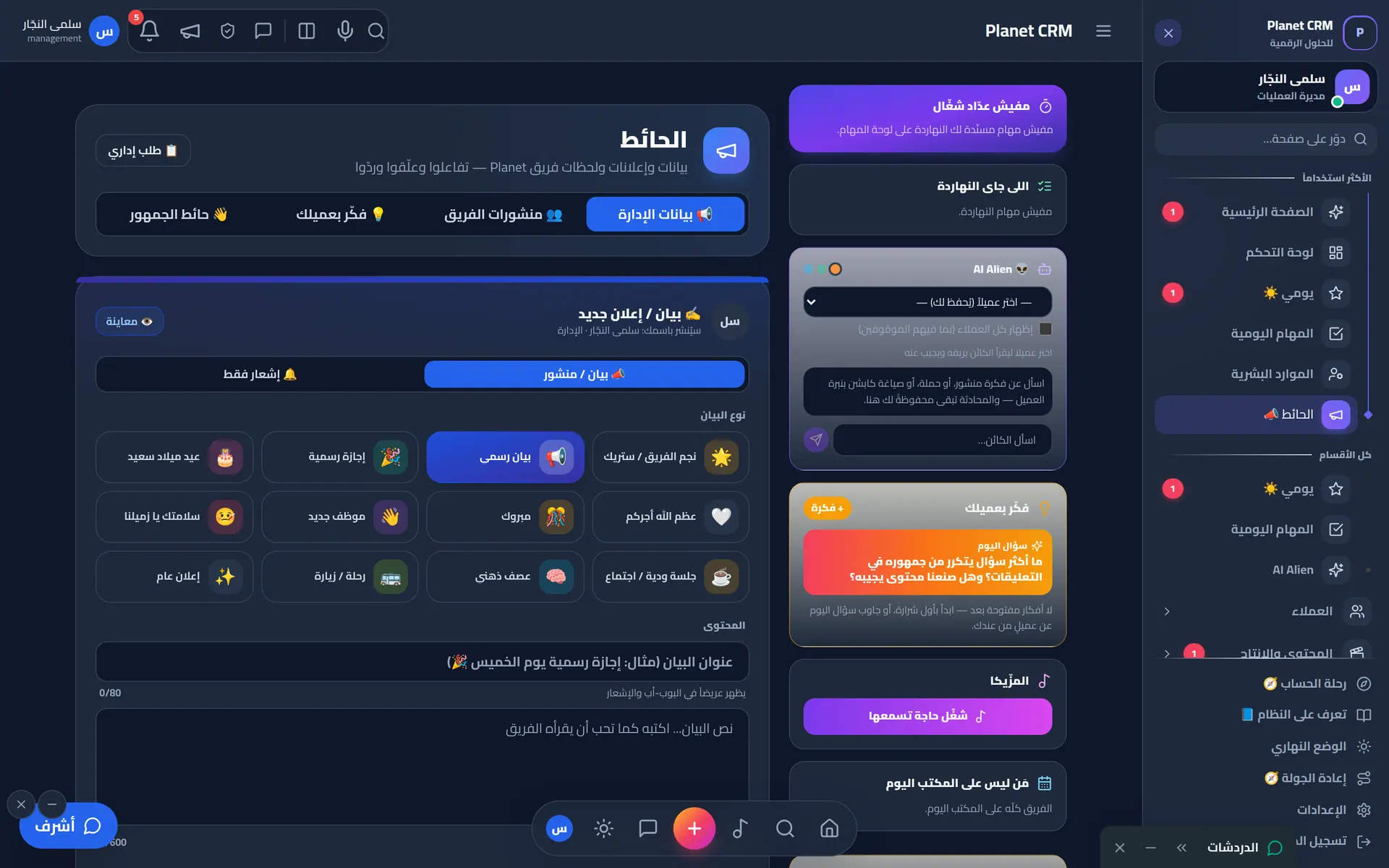
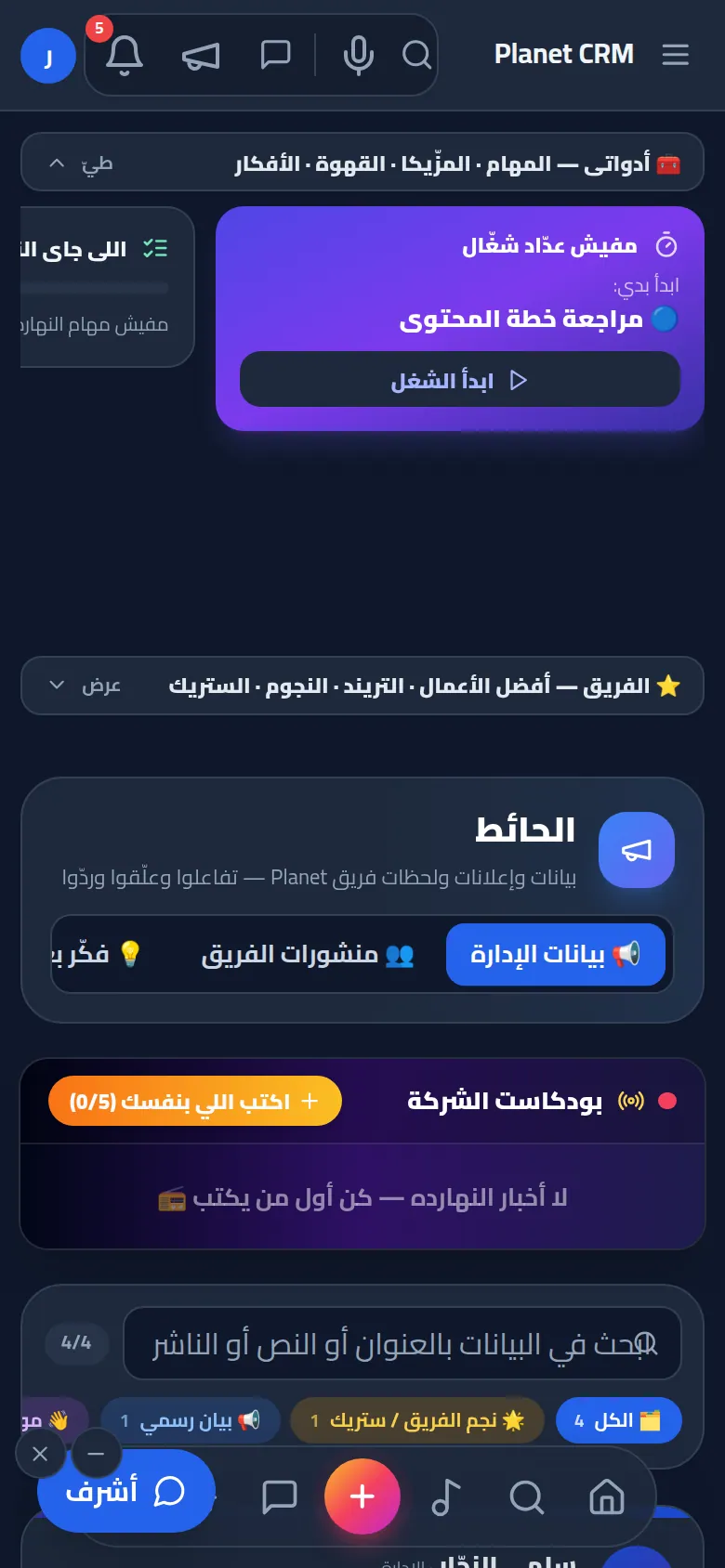
Team wall: announcements, posts and the company podcast ticker
13Tasks

“My Day” and the task board

Every person's and department's tasks ordered by priority and deadline, with a timer that subtracts pauses, and checklists.

  • What now, what next, what's blocking me
  • Pauses with reasons: break, problem, revision, deferral
  • Ask a colleague for help with a real ring
  • Time report per task and per client
Daily tasks board per team member and department

Daily tasks board per team member and department

14Approvals

Clients approve from their portal

The content plan and designs awaiting approval — the client approves or comments, and the team hears back instantly.

  • Preview posts as the audience will see them
  • An Instagram-style grid of the month's posts
  • Comments and reactions on every post
  • Only approved work reaches the client
Client portal content plan & approvals
15Meetings

Meetings that don't get lost

Scheduling, attendance, minutes and attendance points — in person or as a voice/video call inside the system.

  • Reminders before start and before end
  • Minutes written by whoever you choose
  • Turn a meeting into a task
  • Link the meeting to a client
Meetings scheduler
Meetings scheduler
16Directives

One request, followed to completion

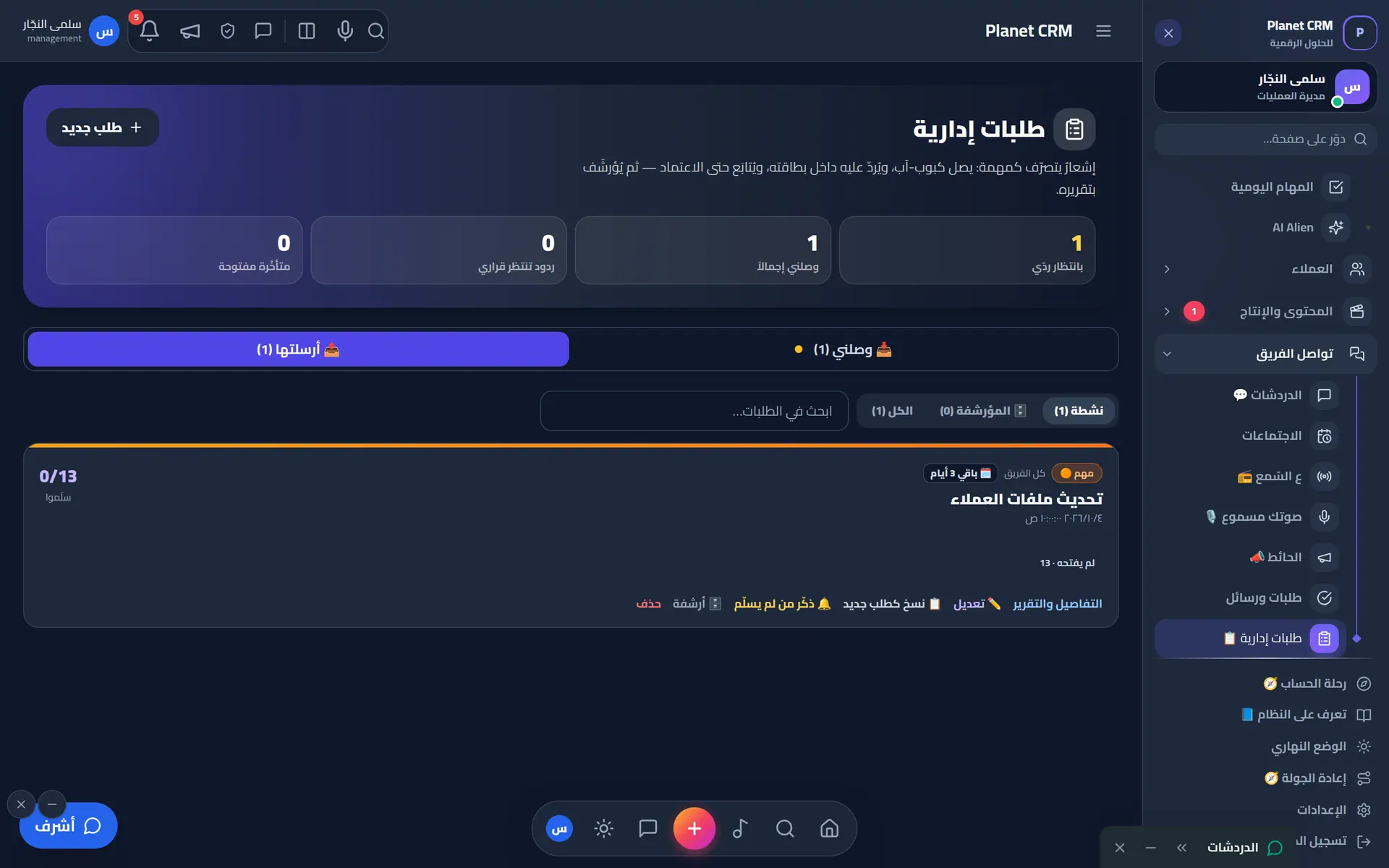
Management asks, the employee replies with links and files, management approves or requests changes — every round is kept.

  • Nudge, remind or escalate in one tap
  • Turn a request into a task in their day
  • Points granted on approval, not on submission
  • Full history of every submission round
Management directives and requests with tracking
17Reports

Reports that tell the truth

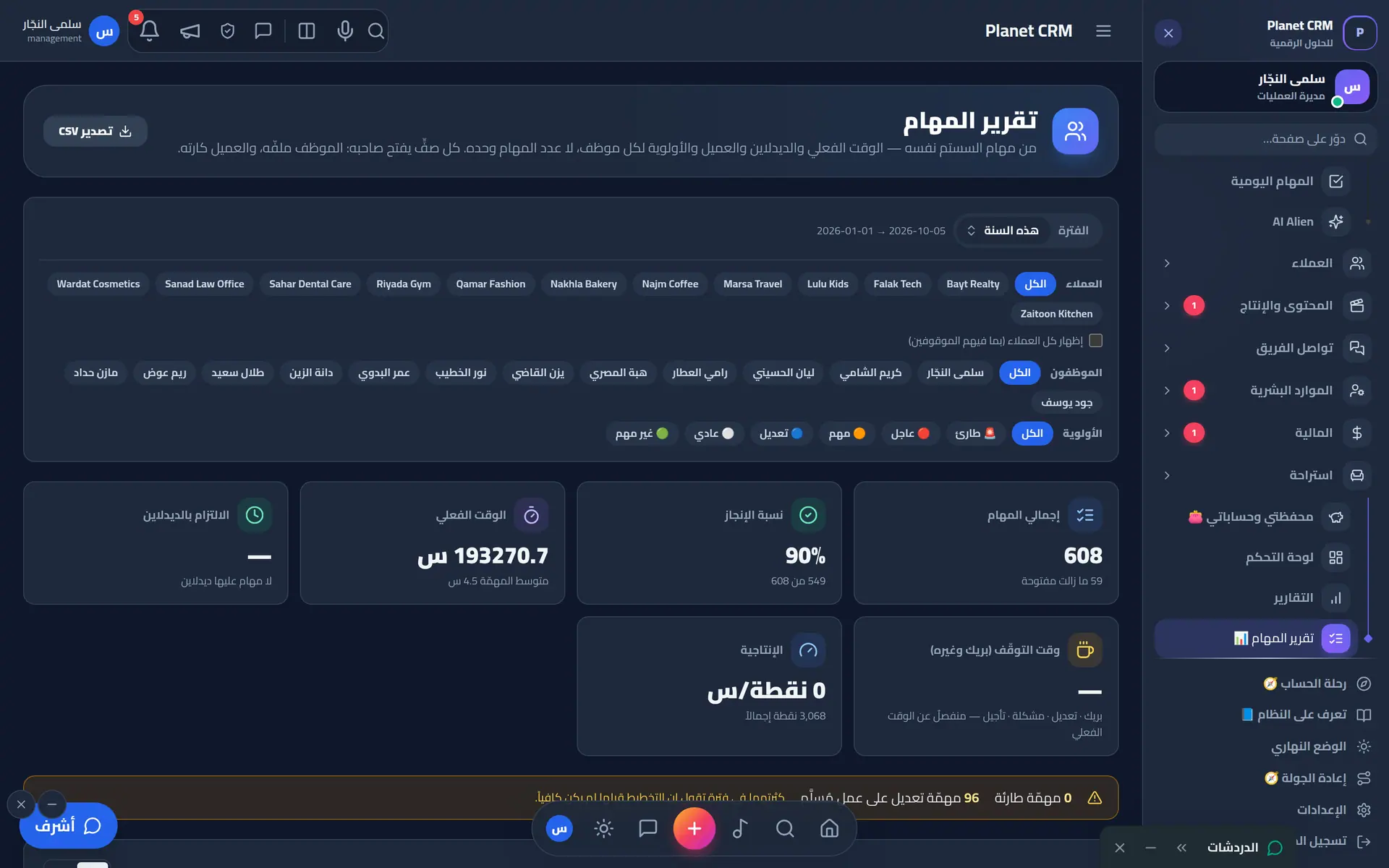
Task, client and finance indicators, each person's time per client, and on-time delivery — with export.

  • Which client eats the team's time
  • On-time measured at the real delivery moment
  • Month-over-month, not isolated numbers
  • Export to CSV, Excel and PDF
Task report per employee and client with exports
18Cash flow

Every cash box in its own currency

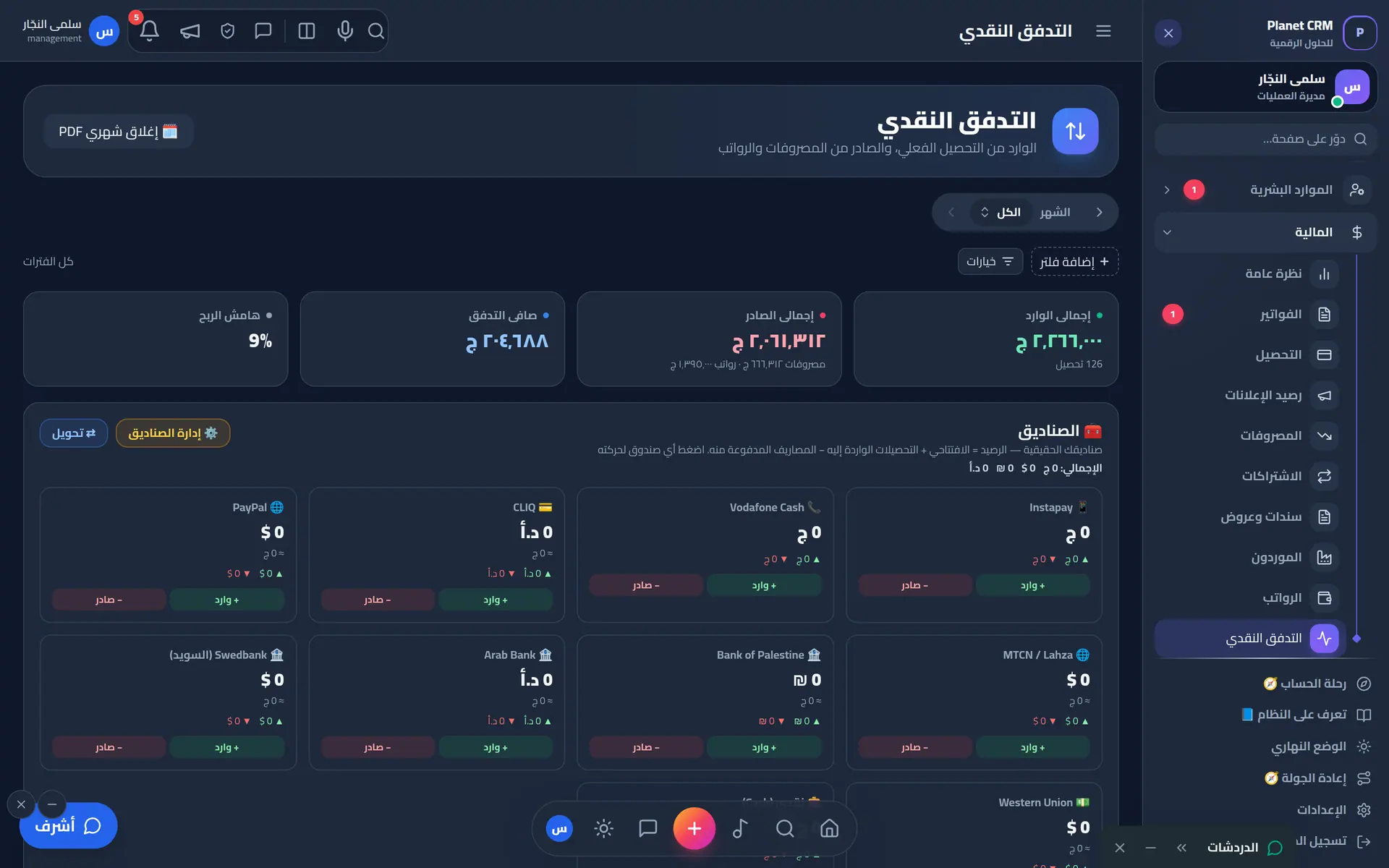
Wallets, banks and payment channels, transfers between them at the day's rate, and each box's balance and history.

  • Add and edit cash boxes on screen
  • Cross-currency transfers with a saved rate
  • Receipts, payment vouchers and quotations
  • A financial recycle bin with undo
Cash flow across wallets, banks and payment channels
19Payroll

A payslip that explains itself

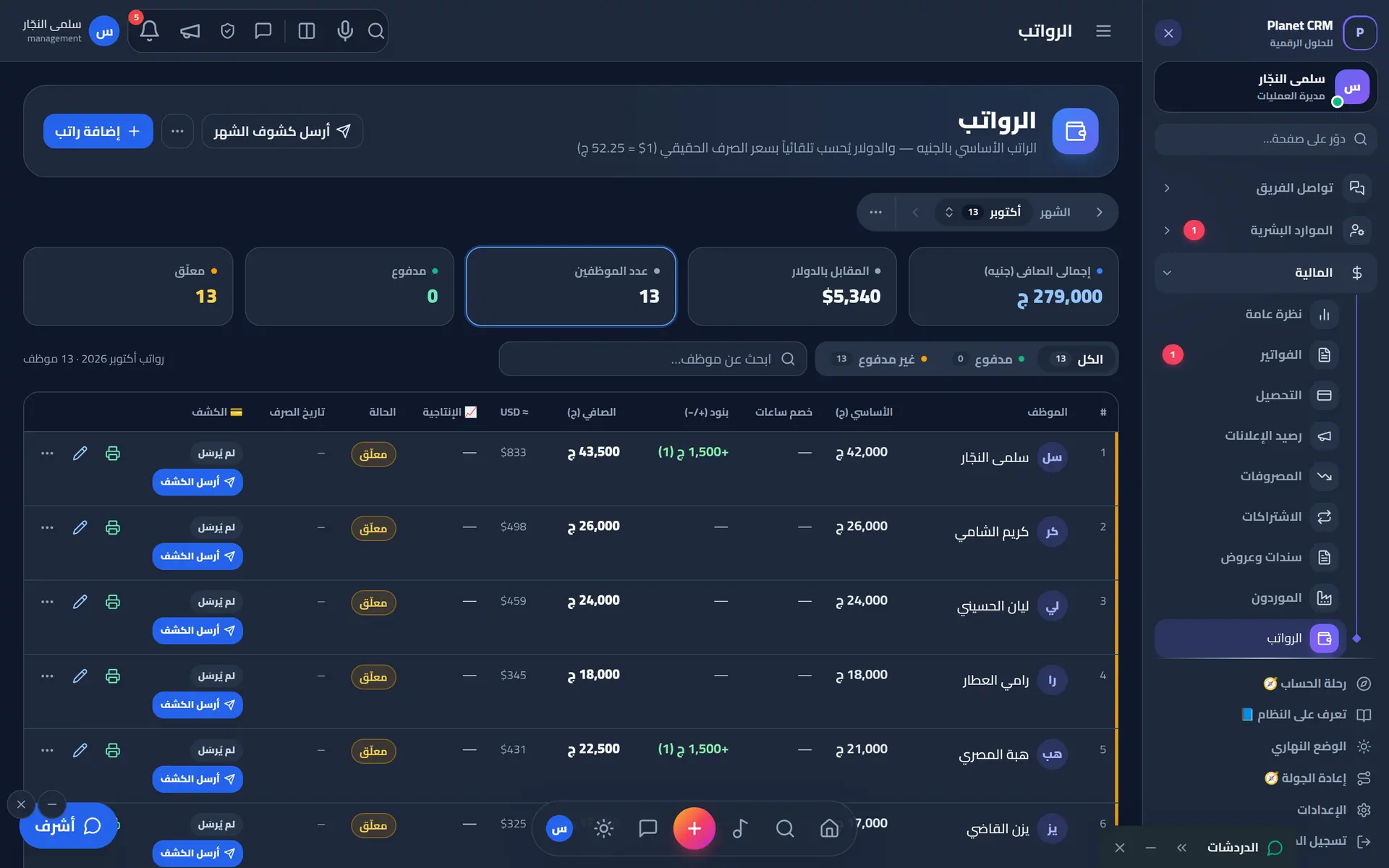
Basic pay, line items and attendance deductions; net pay is calculated, not typed; staff sign their slip and can dispute any day.

  • Automatic deductions from merged attendance
  • Advances in instalments, booked when paid out
  • Point rewards on the same payslip
  • Projected salary before the slip is issued
Payroll with deductions, bonuses and payslips
20Attendance

Fair attendance for everyone

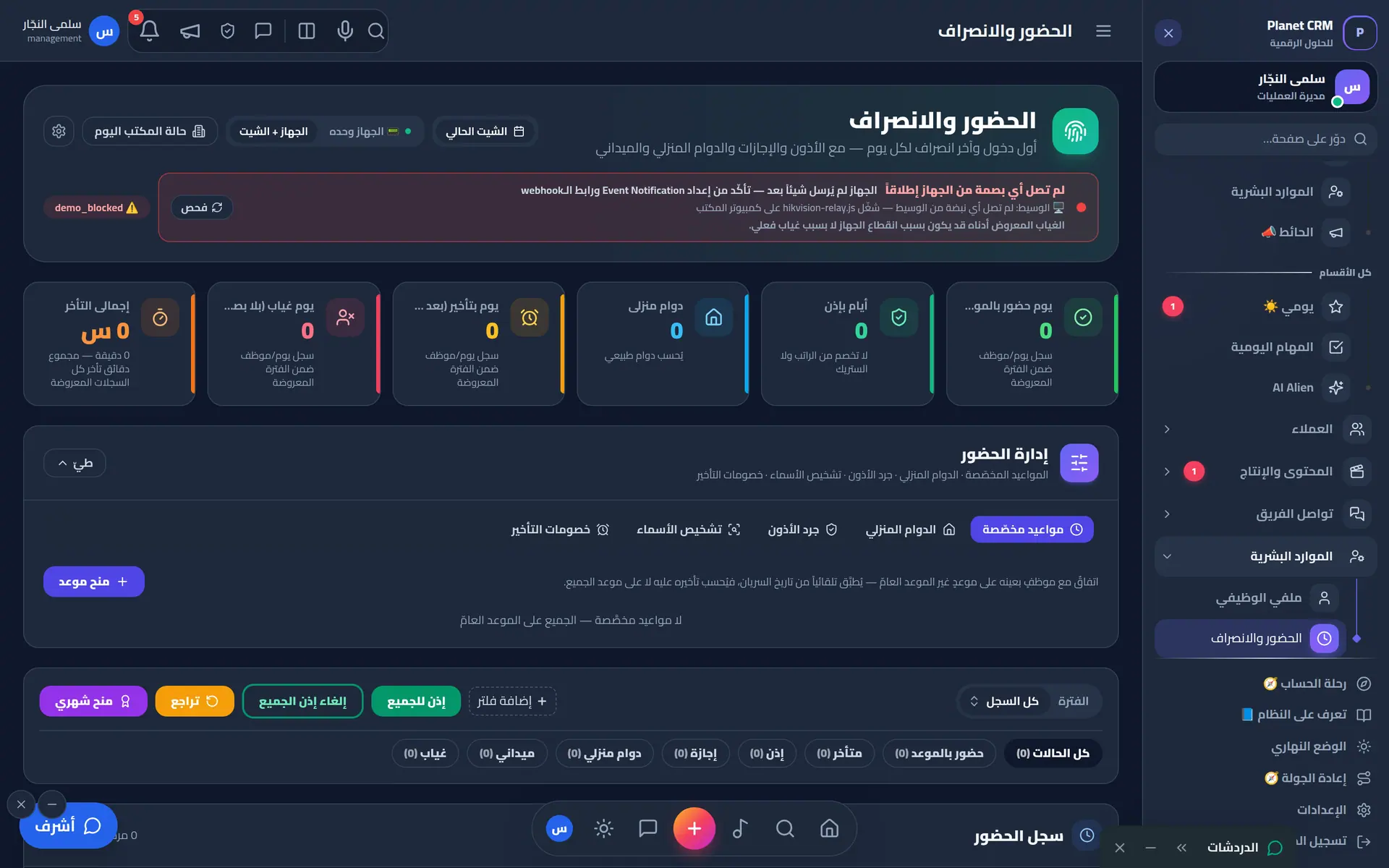
Device punches, app punches, location and the shift plan in one register — office, remote and field shifts.

  • Custom start time per employee
  • Hourly permissions subtracted, not zeroed
  • Automatic check-in on arrival at the shoot location
  • Approved leave is never deducted
Attendance with check-in/out, lateness and shifts
21Learning

A team that learns every day

100+ curated free courses in design, editing, marketing and AI, with learning paths and progress per person.

  • Suggestions by department and title
  • Progress, favourites and ratings
  • Staff suggest, management approves
  • Courses in Arabic and English
Learning hub with 100+ free courses and learning paths
22Designer tools

Everything a designer needs about a client

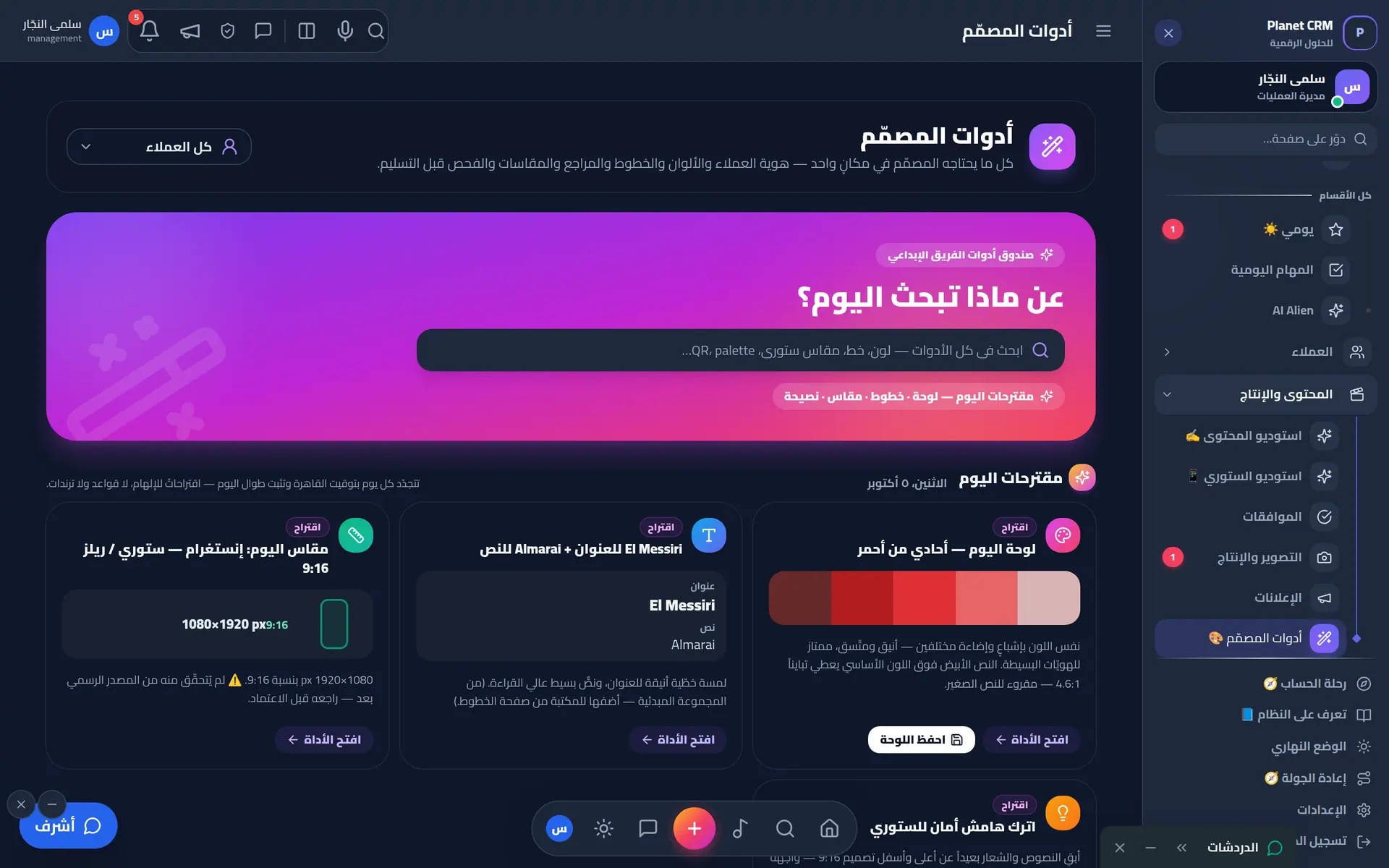
Brand identity, colours, fonts, files and best work in one place — no need to ask anyone.

  • Visual identity per client
  • Files and the month's direction
  • Best work with team voting
  • Review notes on the design
Designer toolbox: brand kits, colors, fonts, sizes and daily inspiration
23Vault

A secure vault for client accounts

Client links, accounts and passwords behind a PIN, revealed only on explicit request — and every reveal is logged by name.

  • Grant read or edit to whoever you choose
  • Every password masked
  • Clients see only what we linked to them
  • A log of every reveal
Client portal secure vault (PIN protected)
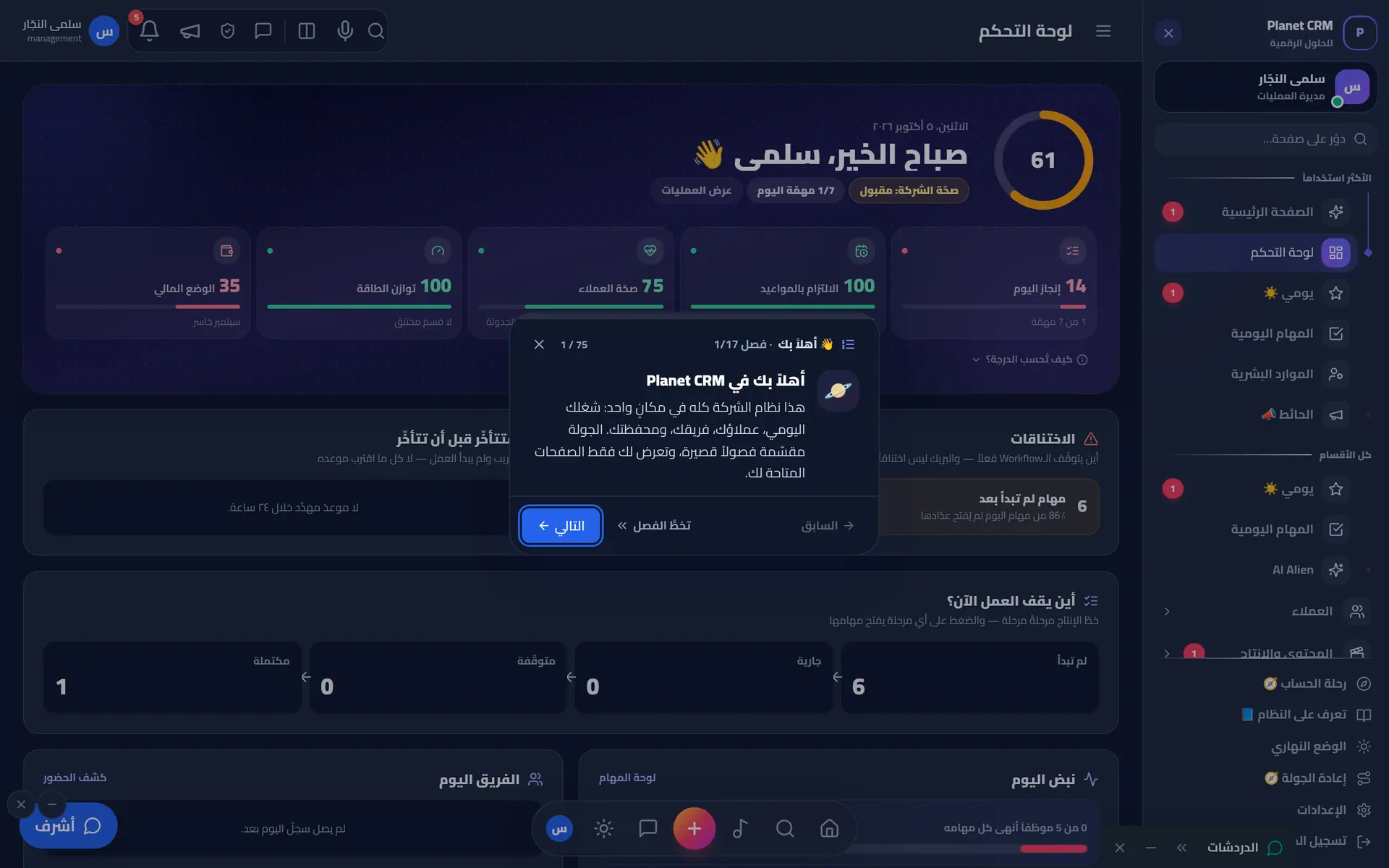
25Onboarding tour

New hire? The system introduces itself

An interactive tour that highlights the real buttons and moves between pages, tailored to each role.

  • Steps by role
  • Actually navigates, not just describes
  • Once only, unless management replays it
  • Skip a step or the whole tour
Guided onboarding tour card
26Notifications

Notifications reach only who needs them

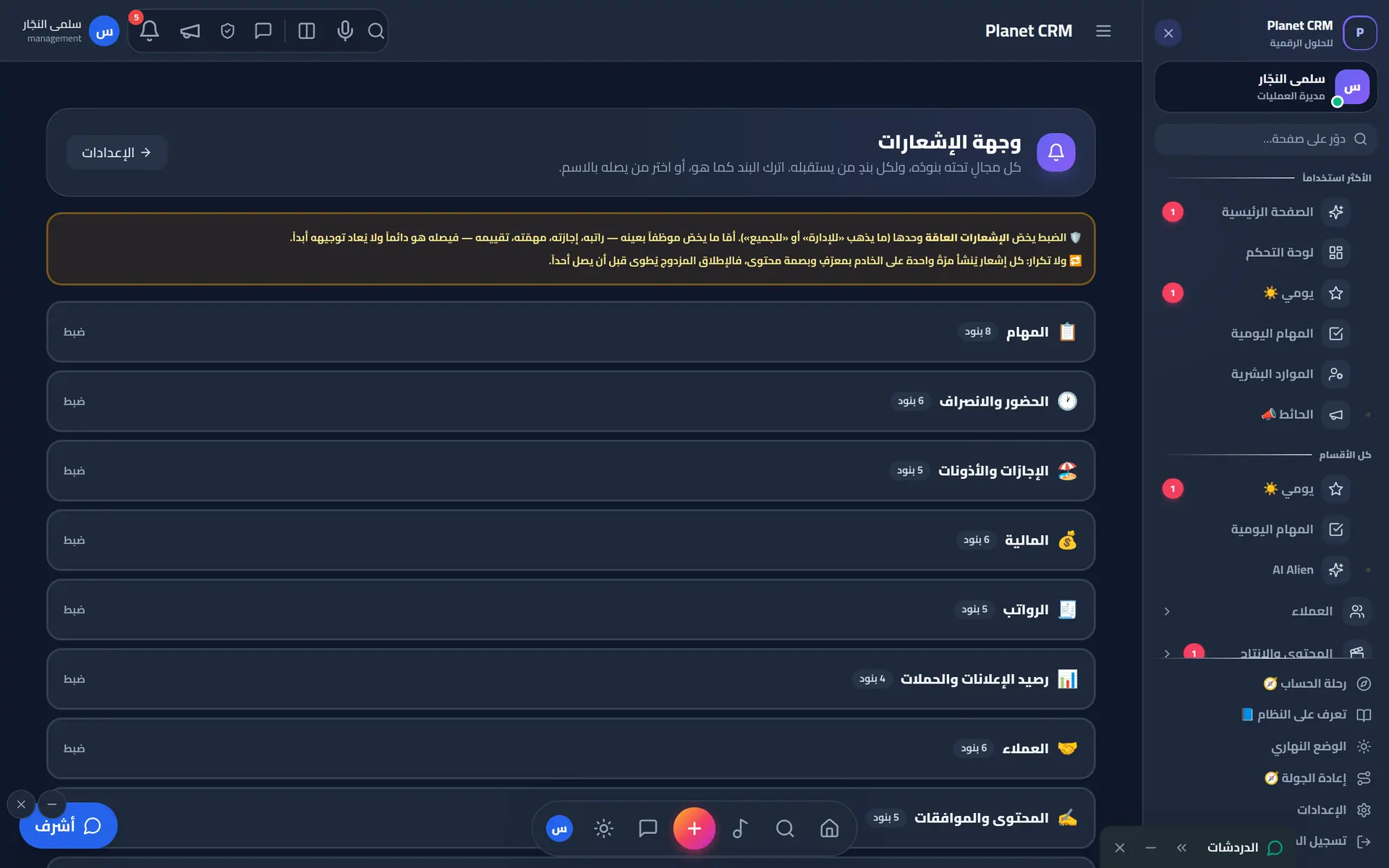
Sixteen notification areas, each item routed where management chooses, with quiet hours after work.

  • A people × items matrix
  • Phone push even with the app closed
  • No duplicates, no noise
  • Personal notifications always reach their owner
Notification routing per module and channel
27Kitchen

Even coffee has a system

Order your drink from your desk, follow its preparation live, and manage kitchen purchases and budget.

  • On it · Preparing · Done
  • A basket with several drinks
  • Drinking-habit reports
  • Purchases posted to expenses
Office kitchen: order drinks and snacks from your desk

See it in action

Real screen recordings from the demo workspace.

Scrolling through the operations dashboard
Opening a client file and switching tabs
Browsing invoices and collections
Browsing production & shoot cards
Client portal tour: overview, content, payments, requests
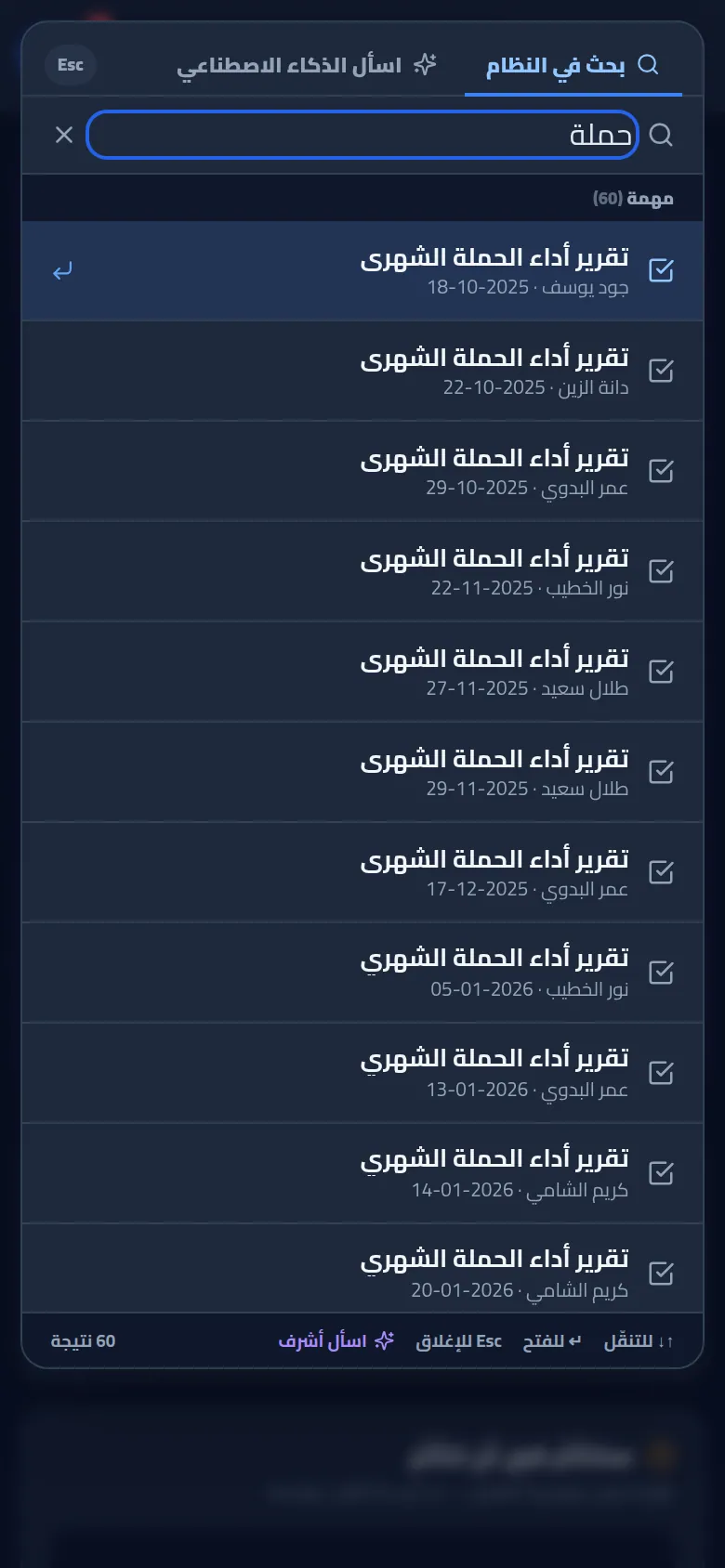
Typing in global search with instant results
In their words

What they say after trying it

Clients who follow their work through the Planet portal, and a team that works in it every day.

The biggest change is that we no longer ask “where are we?”. We open the portal and the content and designs are waiting for our approval — approve or comment in one click. The month is clear from day one.
ValueMarketing team Awaiting client sign-off
We used to deal with several parties for each part of our marketing. With Planet and its system we have one place to see the plan, the execution and the invoices together, and that saved us a lot of time.
WesterosManagement Awaiting client sign-off
A restaurant day is long and there is no time to chase messages. The portal tells us exactly what is needed from us, and the statement is ready whenever we ask.
Al ShawwaManagement Awaiting client sign-off
Following our ad campaigns and their balance from the same place we approve content was a leap. No more surprises about a campaign that stopped.
Fly 29Marketing team Awaiting client sign-off
Our service needs careful explanation and every word is reviewed. Commenting on each post in the approval path made review organised instead of lost between calls.
WakeelakFounder Awaiting client sign-off
The best part is that it is genuinely Arabic, not a translation. We send our requests, see who is working on them, and follow along easily from our phones.
Al AshiManagement Awaiting client sign-off
Shoots are organised now: date, place, crew and brief, then the final material waits for our approval. Nothing gets lost between shoot day and publish day.
TerhalContent team Awaiting client sign-off
In healthcare, accuracy matters. We can go back to any post and see who wrote it, who reviewed it and when we approved it. That reassures us.
TadawaMarketing Awaiting client sign-off

And from inside the team

I open “My Day” and know what to start with. Review notes are on the design itself, not in twenty messages.
DesignerPlanetAwaiting client sign-off
All my clients on one screen: brief, content, invoices and complaints. I stopped searching for things.

Account managerPlanetAwaiting client sign-off
Month-close takes an hour instead of two days, and the numbers match on every screen.
FinancePlanetAwaiting client sign-off
Check-in starts by itself when we reach the location. I have never lost a shoot day from my pay.
Shoot crewPlanetAwaiting client sign-off

Following Planet's “proof over promise”: each quote stays marked until its owner approves it in writing.

Works with your tools

Meta AdsSlackTrelloWhatsAppGoogle DriveGoogle SheetsFingerprint devicesYouTube

Ready to move your agency
to another planet?

Tell us about your team, and we’ll prepare a quote and a live demo within one business day.